
Power interruptions threaten our electronics daily. Understanding UPS components helps select the right protection for your needs.
Every UPS contains five essential components: battery, inverter, rectifier, transfer switch, and monitoring system. These work together to provide clean, uninterrupted power.
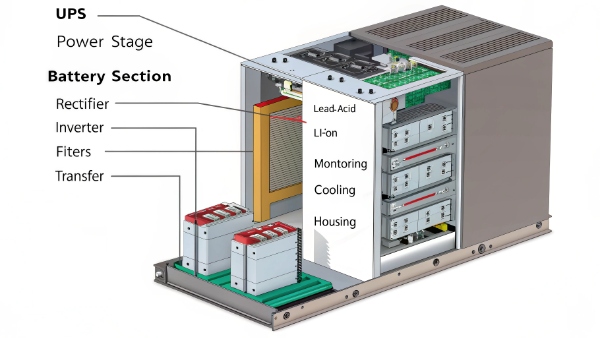
Let's examine each part in detail and explore related UPS functionality.
Is UPS Input, Output, Process, or Storage Device?
Classification confusion often occurs - where does UPS fit in device types?
A UPS functions as both storage and processing device. It stores energy in batteries while processing power quality in real-time.
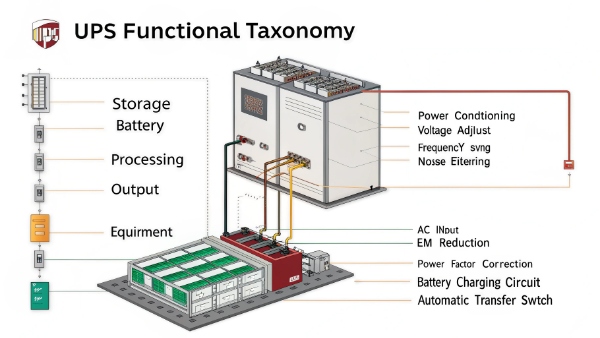
UPS Functional Classification
| Function Type | Description | Example Components |
|---|---|---|
| Input | Receives mains power | Input terminals, rectifier |
| Storage | Holds backup energy | Battery bank |
| Processing | Conditions electricity | Inverter, filters |
| Output | Delivers clean power | Output sockets |
| Monitoring | Controls operation | Display, sensors |
This dual nature makes UPS systems uniquely versatile.
What Are the Key Features of UPS Systems?
Modern UPS units offer more than backup - what capabilities matter most?
Critical UPS features include automatic voltage regulation, battery runtime estimation, surge protection, and software integration. These ensure comprehensive power protection.
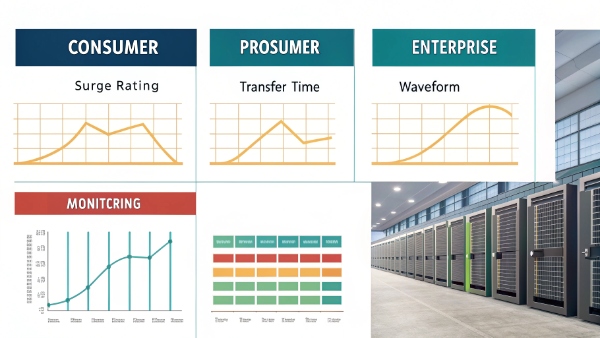
Essential UPS Characteristics Comparison
| Feature | Entry-Level | Professional | Enterprise |
|---|---|---|---|
| Voltage Regulation | Basic | Precise | Ultra-precise |
| Runtime | 5-10 minutes | 15-30 minutes | Hours |
| Monitoring | LED lights | LCD display | Networked |
| Expandability | None | Optional | Modular |
| Efficiency | 85-90% | 90-95% | 95-99% |
Choosing features depends on protection needs and budget.
Can You Daisy Chain Two or More UPSs Together?
Multiple devices needing protection - can UPS units be connected in series?
Technically possible but strongly discouraged. Daisy chaining causes efficiency losses and potential equipment damage due to waveform distortion.
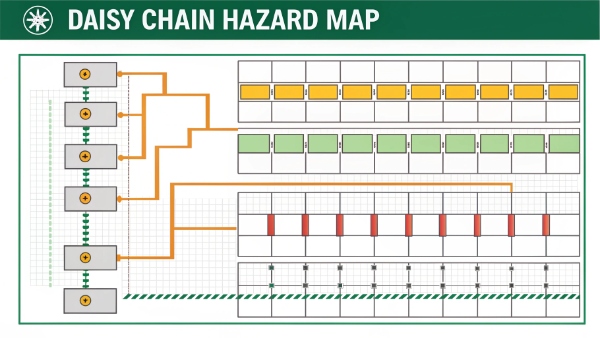
Problems With UPS Daisy Chaining
| Issue | Cause | Effect |
|---|---|---|
| Efficiency Loss | Multiple conversions | Wasted energy |
| Waveform Distortion | Cumulative processing | Equipment damage |
| False Alarms | Conflicting signals | Improper shutdown |
| Charging Problems | Power sharing | Battery depletion |
| Warranty Void | Unsupported setup | No manufacturer support |
Instead use a single larger capacity UPS or proper power distribution.
What Are the Different Types of UPS Systems?
Not all UPS solutions work the same - how do the main categories differ?
Three primary UPS types exist: standby (offline), line-interactive, and double-conversion (online). Each suits different protection needs and budgets.
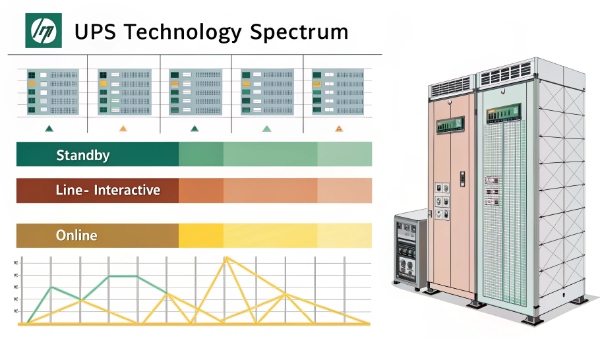
UPS Technology Comparison
| Type | Response Time | Efficiency | Cost | Best For |
|---|---|---|---|---|
| Standby | 2-10ms | 95-98% | $ | Basic home use |
| Line-interactive | Instant | 92-95% | $$ | Office equipment |
| Double-conversion | 0ms | 85-92% | $$$ | Data centers |
| Modular | Variable | 94-97% | $$$$ | Growing needs |
| Hybrid | Variable | 90-95% | $$ | Mixed loads |
Select based on protected equipment sensitivity and criticality.
Conclusion
UPS systems1 combine multiple sophisticated components to deliver reliable power protection. Understanding their design and capabilities ensures choosing the right solution for specific needs.
Key Takeaways:
- UPS contains five core components2
- Functions as both processor and storage
- Critical features vary by model
- Daisy chaining creates problems
- Three main types suit different applications
