
You have critical equipment that can't afford to lose power. A sudden outage would mean lost data, failed transactions, or even a life-or-death situation. You need a guaranteed source of clean, continuous power.
A UPS is used in any application where a power outage is unacceptable. This includes data centers, hospitals for life-support, banks for financial systems, factories for process control, and even home offices to protect work.
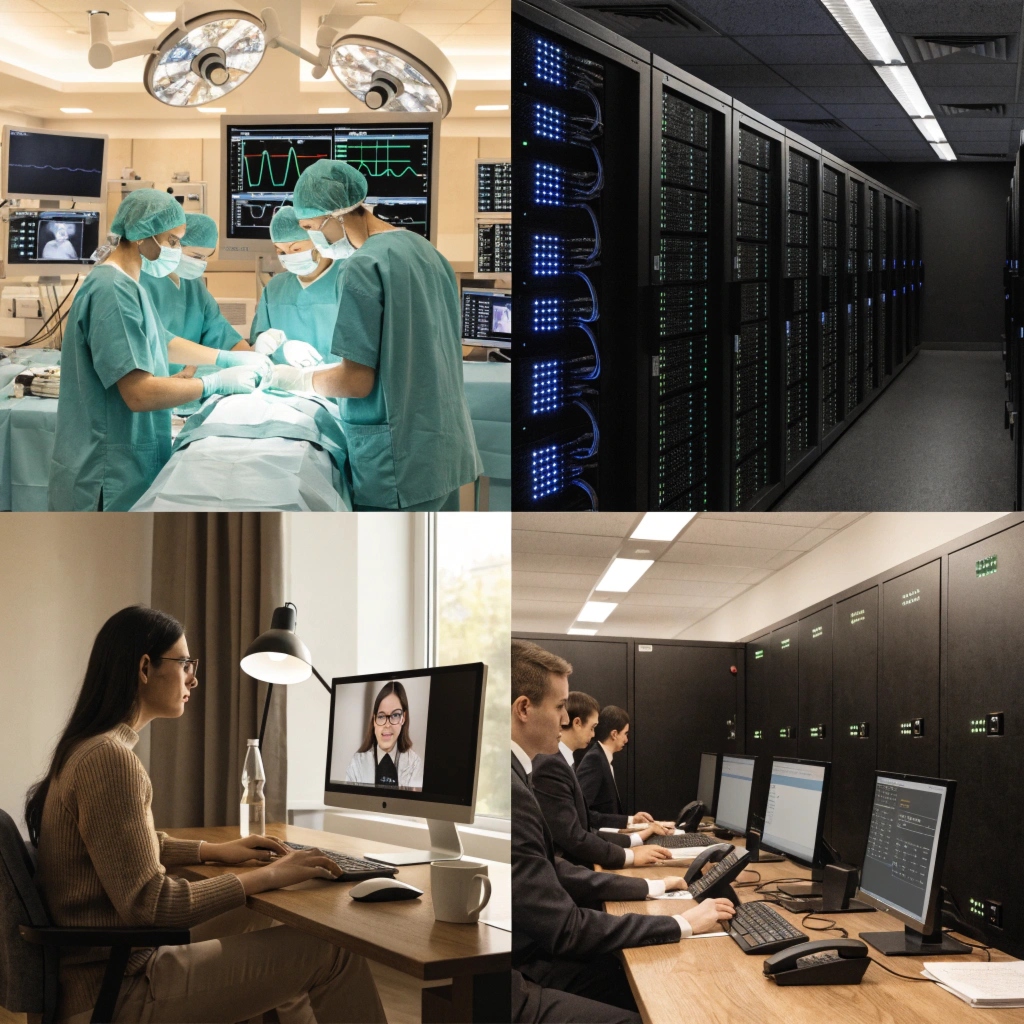
As a manufacturer of UPS systems for over 10 years, I've seen our products used in almost every industry imaginable. The common thread is always the same: the cost of failure is much higher than the cost of protection. A UPS is not just a battery; it is an insurance policy for your electrical systems. It provides a bridge during a power failure and cleans up the power every second it's running. Let's look at some of the most common questions our clients ask when planning for these applications.
For how long does a UPS usually keep the computer on?
You are working on a critical project when the lights flicker. You worry that your UPS won't last long enough to save everything and shut down. You need to know how much time you really have.
A standard desktop UPS gives you 5 to 15 minutes of runtime. This is not to continue working, but to provide enough time to save your files and perform a safe, graceful shutdown of your equipment.
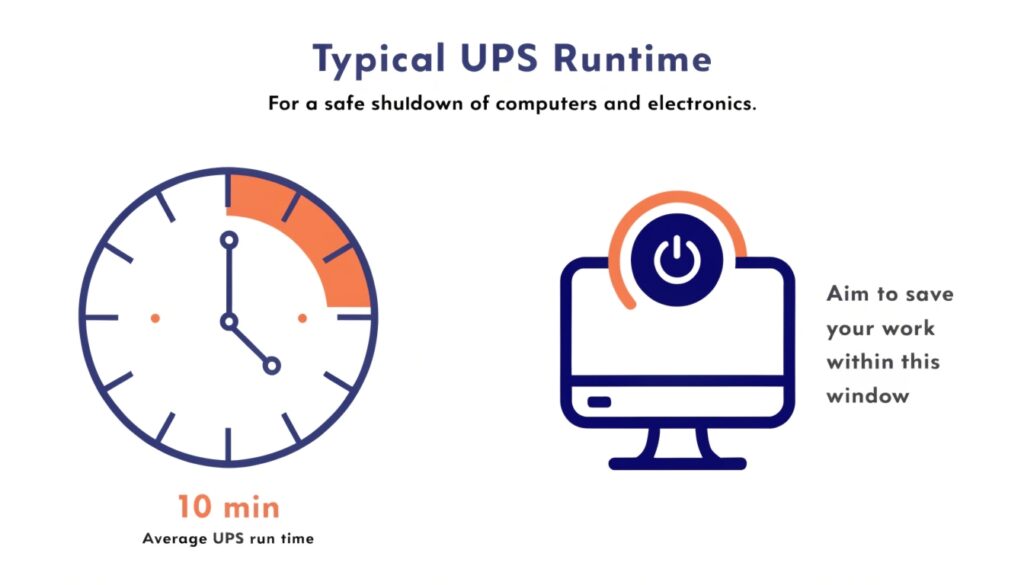
Runtime Is a Function of Load and Capacity
My insight is that as long as the battery has enough capacity, a UPS can power a device. The real question is for how long. This is determined by two factors: the size of your load (how many Watts your devices are drawing) and the capacity of the UPS batteries (measured in Amp-hours). The relationship isn't linear. A UPS powering a 100-watt load will run for much more than half the time it would for a 200-watt load. All UPS systems are most efficient when they are not fully loaded.
As an OEM, we help clients choose the right balance. For a home office, 10 minutes is plenty. For a hospital's surgical suite, they might require a system we design to provide 60 minutes of power.
- The Load vs. Runtime Curve: Every UPS has a chart that shows this relationship. A small load will have a very long runtime. A load at 100% of the UPS capacity will have a very short runtime.
- Extending Runtime with EBMs: If you need more time than the standard internal batteries can provide, the solution is not to buy a much bigger UPS. The right way is to add an External Battery Module (EBM). These are battery packs we design to safely connect to a UPS to increase its capacity and therefore its runtime.
| Load Percentage | Typical Runtime | Use Case |
|---|---|---|
| 25% | 30-40 minutes | A single router and modem |
| 50% | 10-15 minutes | Standard desktop PC and monitor |
| 100% | 3-5 minutes | A fully loaded gaming PC or small server |
What are the major components of a UPS?
You see a UPS as a sealed black box. You know it provides power, but you don't know how it works internally. This makes it difficult to compare models and understand their value.
The four major components of a UPS are the rectifier, batteries, inverter, and static bypass switch. These parts work together to take in utility power, store it, and create new, clean power for your devices.
%[A simplified block diagram showing power flowing through the rectifier, batteries, inverter, and static bypass switch within a UPS](https://libatteryhub.com/wp-content/uploads/2026/05/major-components-of-an-online-ups-system-instruct-1024x585.jpg"Major Components of an Online UPS System")
Inside the Black Box
When we design a UPS, we are creating a complete power processing system. Each component has a critical job. Understanding these jobs helps you understand why some UPS systems, like our online models with patented technology, offer superior protection.
- The Power Conversion Path: This is handled by two key parts. The Rectifier takes the incoming AC power from your wall and converts it to DC power. It also cleans up voltage sags and spikes. The Inverter does the opposite. It takes DC power (from the rectifier or the batteries) and creates a brand new, perfectly stable AC power signal for your equipment. The quality of the inverter determines the quality of the output power.
- The Energy Storage System: The Batteries are the heart of the UPS. This is where the energy is stored for a blackout. We design solutions using both traditional, cost-effective lead-acid batteries and modern, high-efficiency lithium batteries, depending on the client's needs for longevity and performance.
- The Safety Net: The Static Bypass Switch is a crucial component in high-end systems. If the UPS has an internal fault or is overloaded, this switch instantly transfers the load back to utility power without dropping it. This ensures the connected equipment keeps running even if the UPS itself has a problem.
| Component | Function |
|---|---|
| Rectifier | Converts incoming AC to DC; charges batteries. |
| Batteries | Store energy (DC power) for use during an outage. |
| Inverter | Converts DC power back to clean, stable AC power. |
| Static Bypass | A fail-safe switch to bypass the UPS if needed. |
What is an online ups system? How does it work?
You hear terms like "standby," "line-interactive," and "online." You are told online is the best but also the most expensive. You need to know if the higher cost is justified for your application.
An online UPS provides the highest level of protection by completely isolating your equipment from the power grid. It constantly recreates the power signal, ensuring a perfect, uninterrupted supply with zero transfer time to the battery.
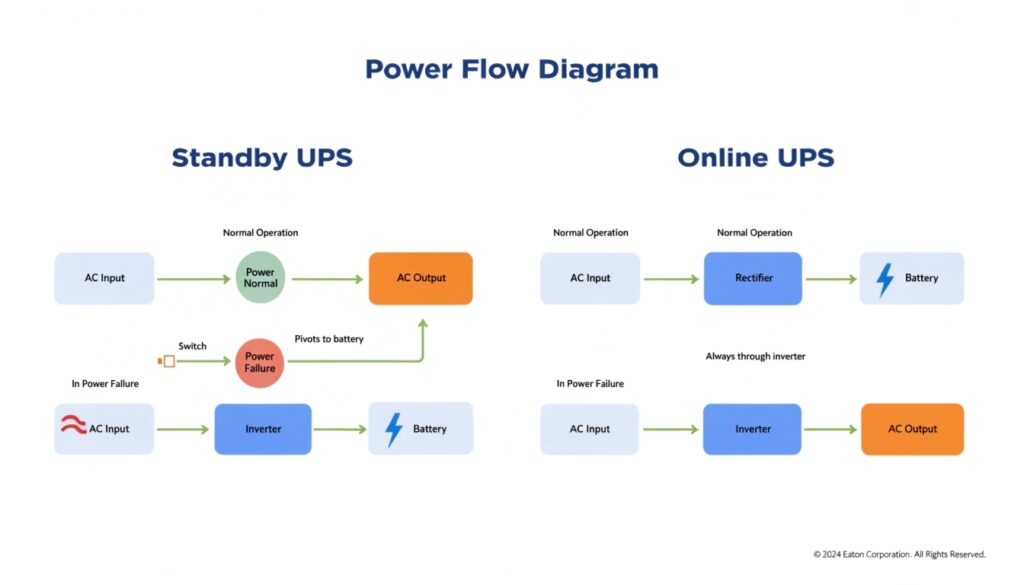
The Double-Conversion Advantage
The term "online" means the inverter is always on and powering your equipment. This is different from a cheaper standby UPS, which only turns its inverter on after it detects a power failure, causing a small delay. An online UPS works through a process called "double-conversion."
- First Conversion: The rectifier converts all incoming AC power to DC power, regardless of whether the power is good or bad. This completely isolates the output from the input.
- Second Conversion: The inverter takes this clean DC power and uses it to generate a brand new, perfect AC sine wave to power your equipment.
The batteries are always connected to the DC circuit between these two stages. If the incoming AC power fails, the inverter doesn't even notice. It just continues to draw DC power from the batteries instead of the rectifier, with absolutely zero interruption. This "zero transfer time" is why online systems are essential for the most critical applications, like the ones we build for hospitals and data centers that hold CE, RoHS, and ISO certifications.
| UPS Type | Transfer Time | Protection Level | Best For |
|---|---|---|---|
| Standby (Offline) | 2-10 ms | Basic | Home PCs, printers |
| Line-Interactive | 2-4 ms | Good | Small business servers, network gear |
| Online (Double-Conversion) | 0 ms | Highest | Data centers, medical, critical loads |
What does the term 'data center infrastructure' mean?
You hear "data center infrastructure" in meetings about large projects. The term seems vague and overwhelming. You need to understand where your part of the project fits into the bigger picture.
Data center infrastructure is the collection of all physical assets and systems that enable IT operations. This includes servers and storage, plus the facility systems that power and cool them, like UPSs and air conditioners.
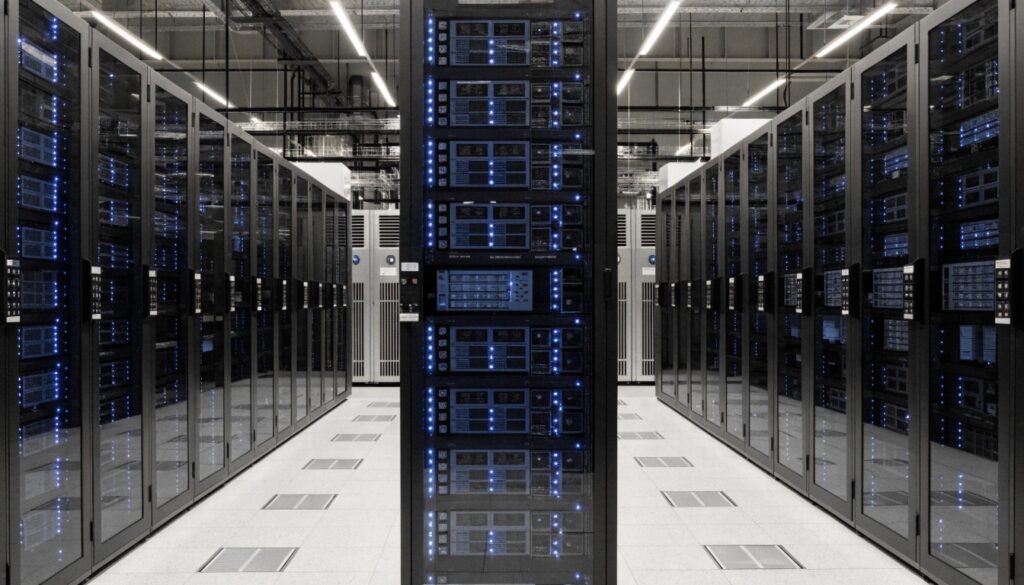
The Building and the Brains
As a procurement manager or system integrator, it's helpful to think of data center infrastructure in two main categories. We, as a UPS manufacturer, play a key role in one of these categories.
- IT Infrastructure: These are the "brains" of the operation. This is the hardware that processes, stores, and communicates data. It includes server racks, blade servers, storage area networks (SANs), and network switches. These are the devices that consume power.
- Facility Infrastructure: This is the "body" that keeps the brains alive. It is the physical building and all its support systems. This is our area of expertise. It includes the power systems (utility feed, generators, switchgear, UPSs, and Power Distribution Units), cooling systems (HVAC, chillers, computer room air conditioners), and security systems. The UPS is the critical link that guarantees clean, uninterrupted power from the facility to the IT hardware. We work with our clients to design custom UPS solutions that fit perfectly into this complex ecosystem.
| Category | Components | Purpose |
|---|---|---|
| IT Infrastructure | Servers, Storage Arrays, Network Switches | Run applications and manage data. |
| Facility Infrastructure | UPS, Generators, Cooling, Racks, Security | Power, cool, and house the IT infrastructure. |
Conclusion
UPS systems have applications from home to hospital. Understanding their runtime, components, and types like online systems helps you protect critical infrastructure, from a single PC to an entire data center.

