
Your power just went out, and your UPS, the one thing meant to save you, immediately died. This frustrating failure is a common problem with a few specific causes.
A UPS shutting down instantly during an outage is usually caused by a completely dead battery, a load that exceeds the UPS's capacity, or misconfigured sensitivity settings. The battery is the most common culprit, as it has a limited lifespan.
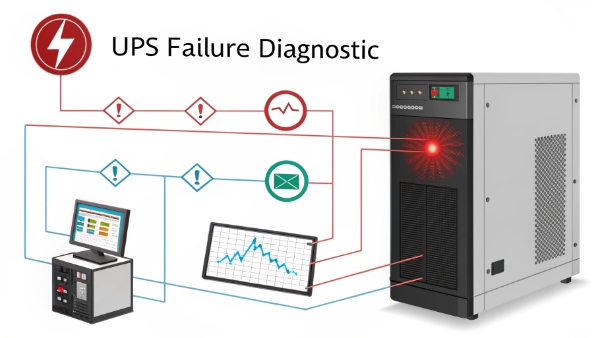
This is a critical failure that defeats the purpose of having a UPS. I've seen this happen many times in my 10 years in the industry. Let's look at some related questions to build a better understanding of how these essential systems work and how to prevent such failures.
What Is the Difference Between CPU and UPS?
It is easy to get lost in the sea of technical acronyms. Confusing a CPU with a UPS is a simple mistake, but it can cause major confusion in technical planning.
A CPU, or Central Processing Unit, is a computer's brain that executes commands. A UPS, or Uninterruptible Power Supply, is a battery backup device that provides power during an outage. They have completely different jobs.
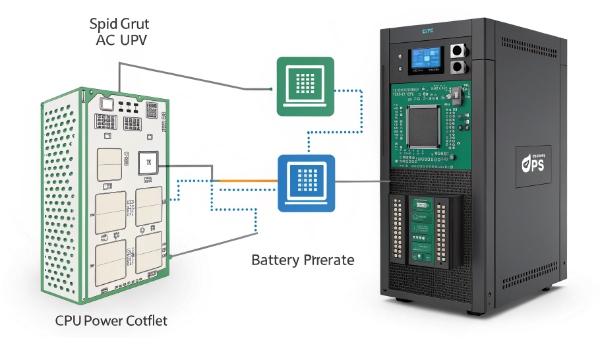
Let's dive deeper into their distinct roles. The CPU is a small, complex chip inside your computer or server. Its only job is to perform calculations and run software. It is the core of the computing process. The UPS, on the other hand, is an external or rack-mounted power device. Its job is not to compute, but to protect. It sits between the wall outlet and your valuable equipment. It provides clean, stable electricity and, most importantly, keeps that equipment running when the main power fails. As a procurement manager or system integrator, you specify a UPS to protect the systems that contain valuable CPUs.
| Feature | CPU (Central Processing Unit) | UPS (Uninterruptible Power Supply) |
|---|---|---|
| Primary Function | Processes data and instructions | Provides backup power and protection |
| Physical Form | A small silicon chip | A box with batteries and electronics |
| Role in a System | The 'brain' of a computer | The 'guardian' of the power source |
| Location | On the motherboard inside a device | External to the devices it protects |
Is a UPS a Viable Alternative to Generators During Blackouts?
Blackouts bring business to a halt. You need a backup power plan, but choosing between a UPS and a generator is a decision that depends entirely on your needs.
A UPS is not a direct alternative to a generator for long blackouts. A UPS provides instant, short-term power to prevent data loss and allow for a safe shutdown, or to bridge the gap until a generator starts.
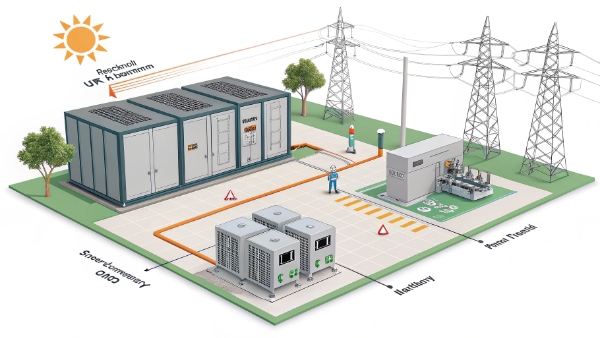
I often explain to clients that they are two parts of a complete solution. A UPS is all about providing instant and clean power. When the utility power flickers or fails, a UPS switches to its battery in milliseconds, so your servers or medical equipment never even notice the interruption. However, its battery provides power for minutes, not hours. A generator is for duration. It can run for hours or even days, but it needs time, often 30-60 seconds, to start up and stabilize. For critical facilities like hospitals or data centers, the two work as a team. The UPS covers the immediate outage and the generator's startup delay. This ensures 100% uptime.
| Feature | UPS | Generator |
|---|---|---|
| Power Source | Internal Battery (Lead-Acid or Lithium) | Fuel (Diesel, Natural Gas) |
| Runtime | Minutes | Hours or Days |
| Activation Time | Instant (0-10 milliseconds) | Seconds to a minute |
| Primary Use Case | Bridging short gaps, safe shutdown | Sustaining long-term outages |
Will a 550VA UPS Be Able to Power a 700W PC?
Choosing the wrong size UPS is a common and costly mistake. It guarantees failure when you need power the most and can even damage your equipment. Let's look at the numbers.
Absolutely not. A 550VA UPS cannot power a 700W PC. The UPS's actual power output in watts is significantly lower than its VA rating, and a 700W load would cause an immediate overload shutdown.
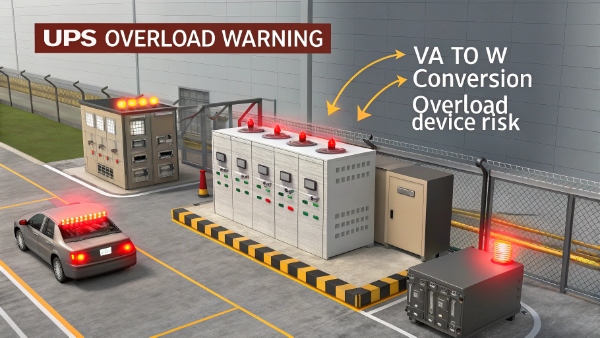
Here’s why. UPS capacity is measured in Volt-Amps (VA) and Watts (W). Watts is the real power your equipment uses. VA is the "apparent power." To find the true Watt capacity of a UPS, you multiply its VA rating by its Power Factor (PF), which is typically between 0.6 and 0.7 for smaller units. So, a 550VA UPS with a 0.6 PF can only supply about 330 Watts (550 * 0.6 = 330). Trying to pull 700W from a 330W source will trigger the UPS's overload protection, and it will shut down. To properly size a UPS, you must add up the wattage of all devices you want to protect and add a 20-25% safety margin.
| Sizing Example | Required Wattage |
|---|---|
| 700W PC Load | 700W |
| Safety Margin (25%) | 175W |
| Total Required UPS Wattage | 875W |
For an 875W load, you would need a UPS rated at 1500VA or higher. If you need help sizing a UPS for different loads, please contact us. We provide professional guidance.
What Is a UPS System?
People often say you need a UPS, but what is this device, really? Misunderstanding its basic purpose can lead you to buy the wrong product or not use it correctly.
A UPS, or Uninterruptible Power Supply, is a device that provides immediate battery backup power when your main electricity fails. It also conditions power to protect connected equipment from surges, sags, and other electrical problems.
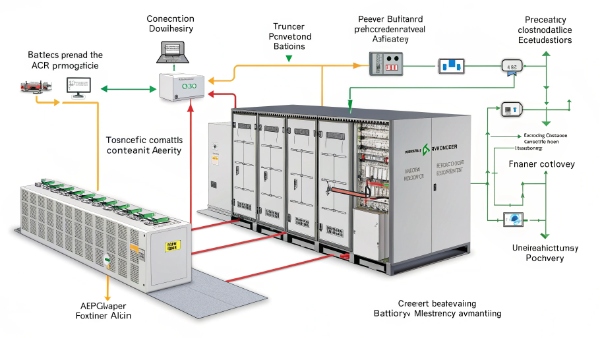
In my experience, the best way to think of a UPS is as a personal power guard for your electronics. It has several key parts that work together. The battery is its core, storing energy for an outage. We manufacture solutions with both traditional lead-acid and modern, high-efficiency lithium batteries. The inverter is the part that converts the battery's DC power into the AC power your devices use. The rectifier takes incoming AC power and converts it to DC to charge the battery. Finally, a transfer switch is what allows the UPS to change from main power to battery power instantly. For a business, this system is not just a convenience; it is a necessity that prevents data loss, hardware damage, and operational downtime.
| Component | Its Primary Job |
|---|---|
| Battery | Stores energy for backup power. |
| Inverter | Converts DC battery power to AC power. |
| Rectifier/Charger | Charges the battery with incoming AC power. |
| Transfer Switch | Switches to battery power instantly. |
Conclusion
A UPS that fails during an outage is often due to a bad battery or overload. Properly sizing your UPS and understanding its role alongside generators is key to reliable power.
