
Your project requires backup power for critical systems. You see specifications for both UPS and EPS. They seem similar, but choosing the wrong one can lead to equipment damage or non-compliance.
A UPS (Uninterruptible Power Supply) is designed for IT loads like servers, providing instant, clean power. An EPS (Emergency Power Supply) is for life-safety systems like emergency lighting and is built to different safety standards.
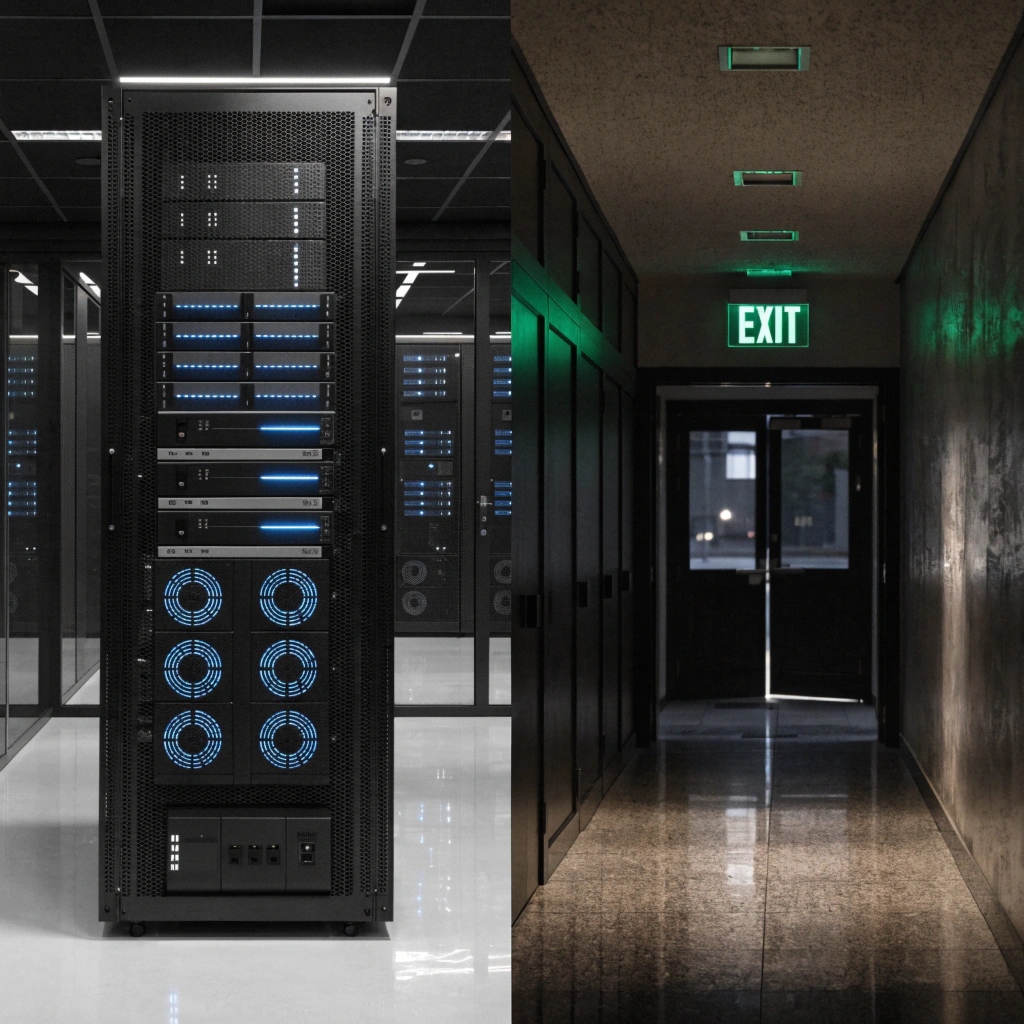
As a manufacturer, I often clarify this for system integrators. The core difference isn't just technology; it's the application. A UPS is designed to protect data and sensitive electronics from even the slightest power flicker. An EPS is built to meet strict building and fire codes, ensuring that lights, alarms, and egress routes stay powered during a true emergency. While their functions overlap, their design priorities and certifications are completely different. Let's explore the key questions to help you choose the right system.
What Is the Switching Time for a UPS During a Power Outage?
The power blinks for a fraction of a second. For sensitive IT equipment, that's more than enough time to crash. You need to know if your UPS is fast enough to be truly "uninterruptible."
The switching time depends on the UPS type. An Online (Double-Conversion) UPS has a zero (0 ms) transfer time. A Line-Interactive UPS is faster at 4-6 ms, while a Standby UPS takes about 8-10 ms.
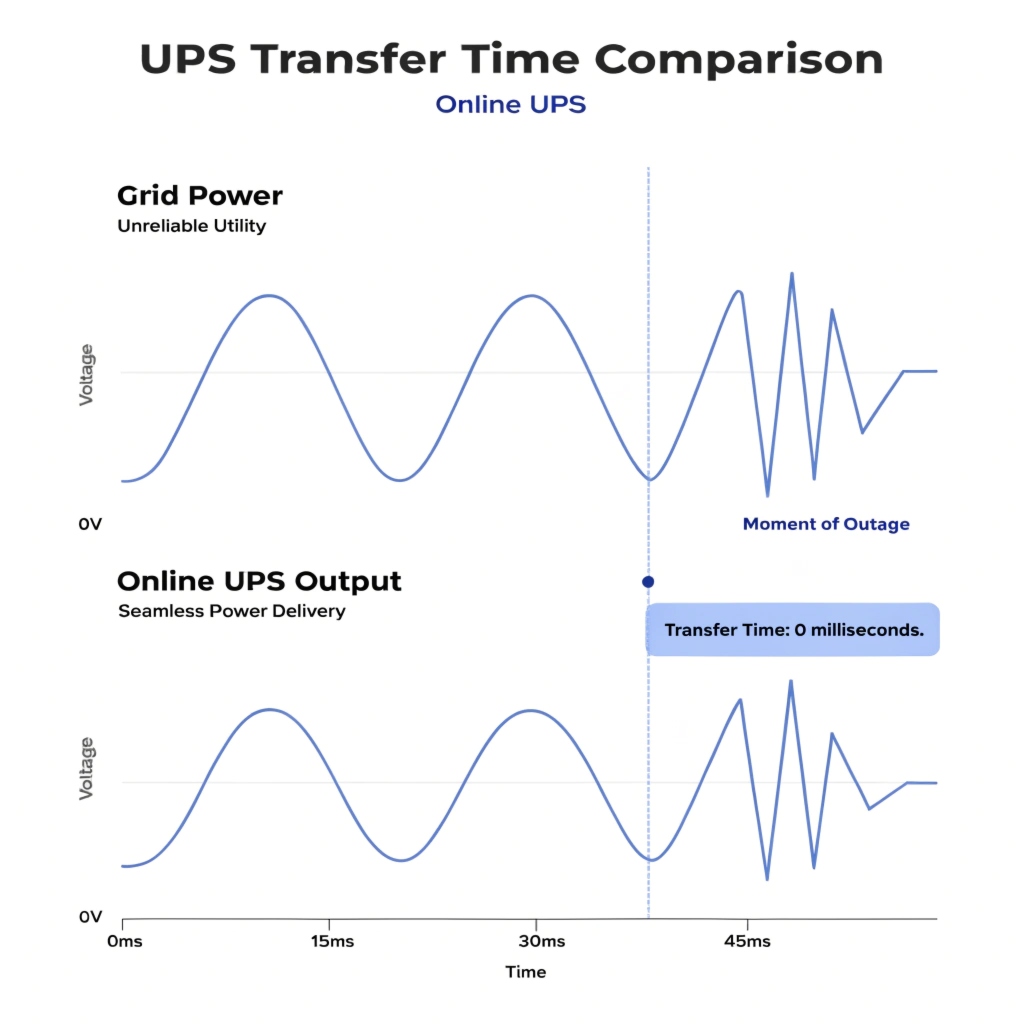
Why Zero Milliseconds Matters
For a procurement manager at a hospital or data center, transfer time is a critical specification. A "glitch" that you might not even notice can cause a server to reboot or a medical imaging machine to lose critical data. This is why the UPS topology, or its basic design, is so important.
- Online (Double-Conversion) UPS: This is the highest level of protection. The power is always running from the battery and inverter system, which is constantly being refilled by utility power. Because the equipment is never connected directly to the grid, the transfer time is literally zero. There is no switch. This is the only choice for mission-critical servers, network closets, and sensitive medical equipment.
- Line-Interactive UPS: This type monitors the power line and uses an automatic voltage regulator to correct minor sags and swells without using the battery. When it detects a full outage, it switches to the battery in about 4-6 milliseconds. This is great for office workstations, routers, and non-critical servers.
- Standby UPS: This is the most basic type. It passes utility power directly to the equipment and only switches to the battery when it detects a problem. The switch takes a bit longer, around 8-10 milliseconds. It is best for simple applications like home PCs or point-of-sale terminals.
| UPS Type | Transfer Time | Best Application |
|---|---|---|
| Online | 0 ms | Critical Servers, Data Centers, Medical |
| Line-Interactive | 4-6 ms | Workstations, Network Switches |
| Standby | 8-10 ms | Home PCs, POS Systems |
Is It Safe to Leave a UPS Plugged in 24/7?
You have installed your UPS system. Now you wonder if you should unplug it when not in use. You might worry about wasting electricity or the device overheating if left on all the time.
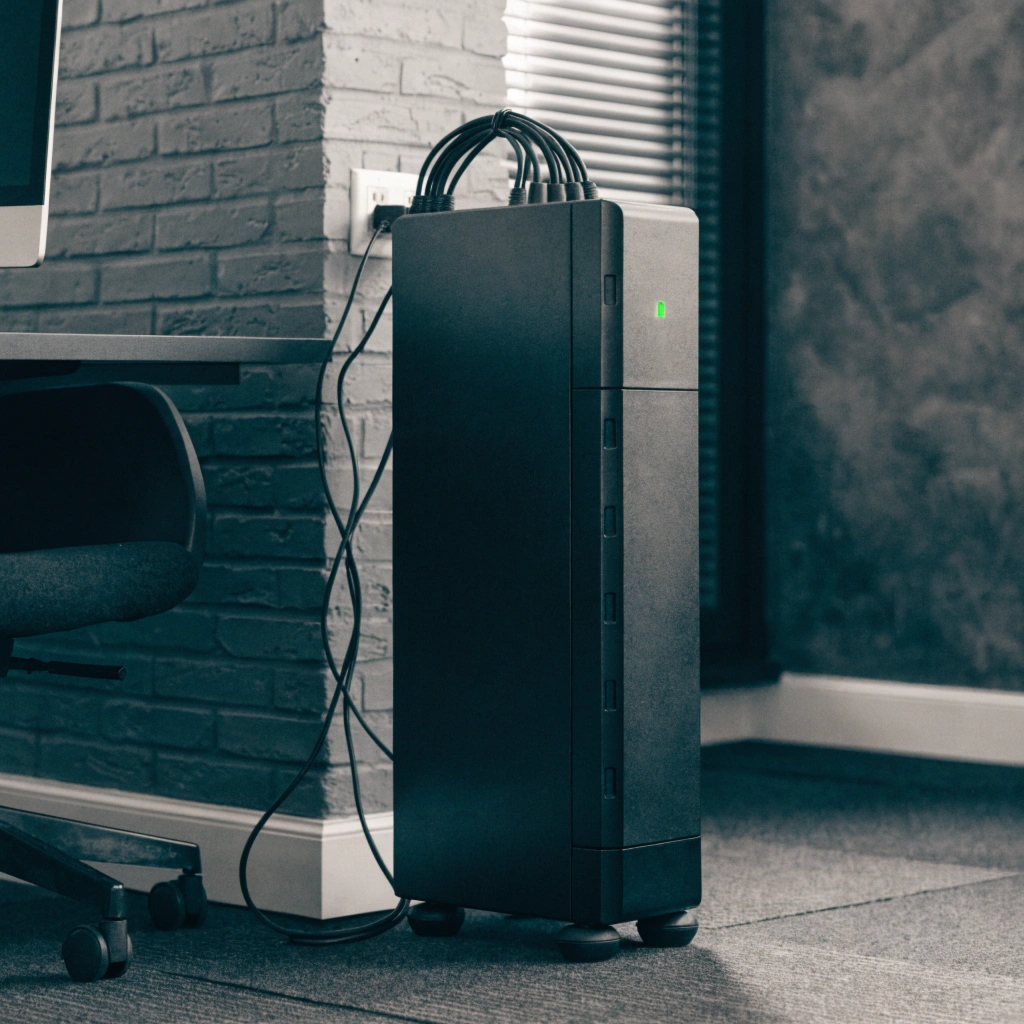
Yes, it is completely safe and required. A UPS is designed to be left plugged in 24/7. This allows its internal smart charger to keep the battery at an optimal level, ensuring it is ready the moment an outage occurs.
The "Set It and Forget It" Rule
I always give this advice to our clients: a UPS is not like a phone that you charge and then unplug. As my insight confirms, you should keep it connected to power 24 hours a day. The device is designed for this constant operation. Inside every UPS is a sophisticated charging circuit that manages the battery's health. It uses a process called "float charging" to keep the battery topped off without overcharging it. This ensures the battery is always at 100% capacity and ready to take over instantly.
Turning a UPS off and on puts unnecessary stress on its internal components and relays. More importantly, if the UPS is turned off, it provides zero protection. I recall a client who owned a small graphic design studio. He unplugged his server UPS every night to "save power." One morning, a power surge from the utility company damaged his server's power supply because the UPS was off. The small amount of energy the UPS uses while idle is a tiny price to pay for constant protection. Think of a UPS as a security guard for your equipment—it needs to be on duty at all times.
How Do I Choose the Right UPS?
You need to source a UPS for a new deployment. The list of models and features is long and confusing. You want to make the right choice without overspending or, worse, underspending and leaving critical systems at risk.
To choose a UPS, first calculate your total load in Watts. Second, determine the required backup runtime in minutes. Finally, select the right topology (Online, Line-Interactive, or Standby) based on your equipment's sensitivity.

A Simple Three-Step Process
I walk our partners through this simple process to cut through the confusion. It turns a complex decision into a series of clear steps.
- Calculate Your Load: Look at the nameplate on every piece of equipment you need to protect (servers, switches, etc.). Add up the power consumption in Watts. Don't use VA, as Watts represent the real power draw. Once you have the total, add 25% to it. This gives you a buffer for safety and allows for future growth.
- Determine Your Runtime: How long do you need the power to stay on during an outage? For a simple server, 5-10 minutes might be enough to perform a graceful, automatic shutdown. For a critical network closet, you might need 30 minutes or more to allow a generator to start up. More runtime requires more batteries, which increases the cost.
- Select the Right Topology: Based on our earlier discussion, match the technology to the application. Don't pay for an Online UPS to protect a simple desktop PC, but absolutely do not use a Standby UPS to protect a hospital's primary server.
| Step | Action | Example |
|---|---|---|
| 1. Load | Add Watts of all equipment + 25% | Server (400W) + Switch (50W) = 450W. 450W x 1.25 = 562.5W. Choose a UPS rated for at least 600W. |
| 2. Runtime | Decide time needed for shutdown/generator | Need 15 minutes for an orderly shutdown. |
| 3. Topology | Match sensitivity of equipment | It's a critical server, so choose an Online UPS. |
This clear process ensures you get exactly the protection you need.
Can a UPS Really Last for 10 Years?
A UPS system is a significant investment. You need to plan your budget and understand its true lifecycle. Can you expect a decade of service, or will you face a full replacement in just a few years?
The main electronic unit of a well-maintained UPS can last 10 years or more. The batteries, however, are a consumable part and must be replaced every 3-5 years to guarantee the system's reliability.
The Unit vs. The Batteries
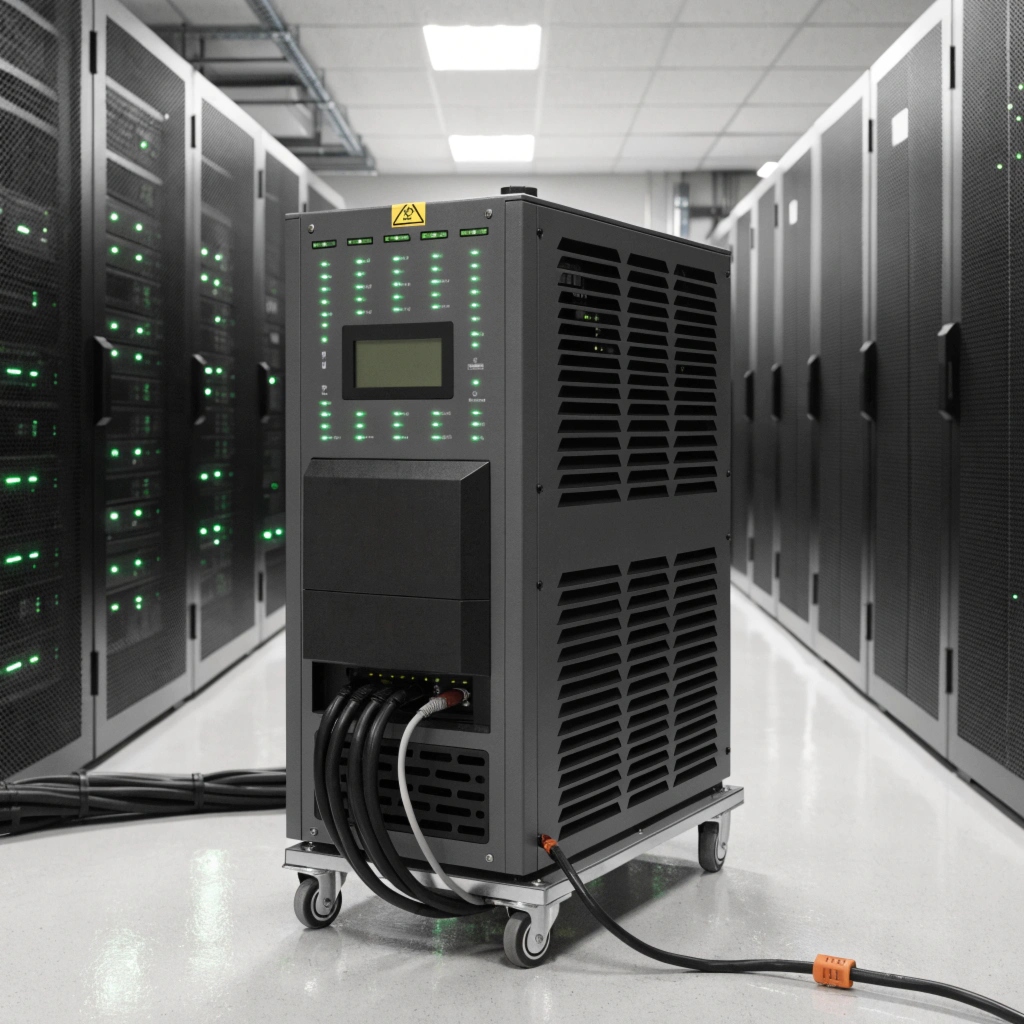
As our insight states, a UPS can certainly be used for 5 years or more. In fact, the main chassis can often last much longer. It's helpful to think of a UPS as two separate parts with different lifespans.
The first part is the electronics: the inverter, the charger, the bypass circuits. These are solid-state components. In a clean, climate-controlled environment like a data center or office, these electronics can easily have a service life of 10-15 years. The components most likely to wear out over time are the cooling fans and internal capacitors, which can be replaced as part of a maintenance plan.
The second part is the batteries. Standard Valve-Regulated Lead-Acid (VRLA) batteries are a chemical energy store, and their chemistry degrades over time. Their typical design life is 3-5 years. Pushing them beyond this is risky, as they can fail without warning. We also offer solutions with Lithium-ion batteries. These have a much longer lifespan, typically 8-10 years, which aligns better with the life of the UPS electronics and lowers the total cost of ownership by reducing battery replacement cycles. So, yes, the UPS unit can last for 10 years, but you must plan to replace its "fuel tank"—the batteries—at regular intervals.
Conclusion
A UPS protects IT, while an EPS protects people. For your UPS, choose an Online model for zero transfer time, size it correctly, and always leave it on. The unit can last a decade with battery replacements.
