
You worry about leaving electronics plugged in. You wonder if keeping a PC connected to a UPS, even when off, will damage the battery or create a fire risk. You just want to protect your equipment safely.
Yes, you can and should keep your PC plugged into the UPS 24/7. A UPS is designed for continuous operation. It protects your PC from power surges even when it's off and keeps its own battery fully charged.
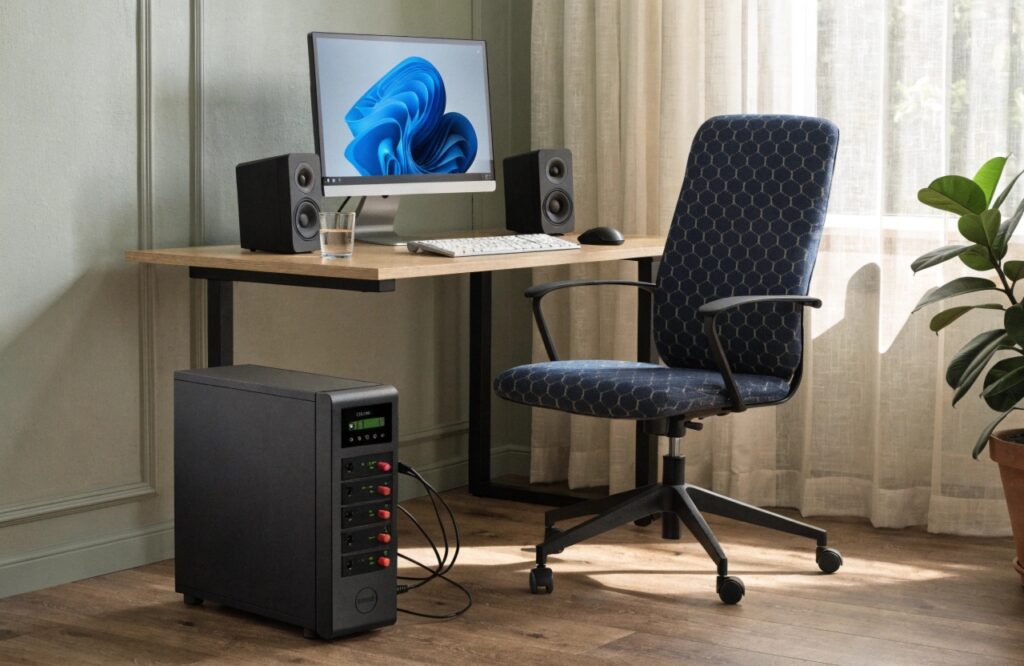
As a UPS manufacturer for the past 10 years, I can tell you these devices are built for exactly this purpose. My insight is that Uninterruptible Power Supplies are meant to be convenient, safe, and reliable. They are not just batteries; they are active power conditioners that guard your electronics around the clock. Leaving your PC connected ensures it's always protected and the UPS is always ready for a blackout. Let's explore some other common questions about how to use these devices correctly.
Can I use two UPSes to power the same device?
You have a mission-critical server that can never go down. You think adding a second UPS will double your protection, but you're afraid that connecting them incorrectly could cause an even bigger failure.
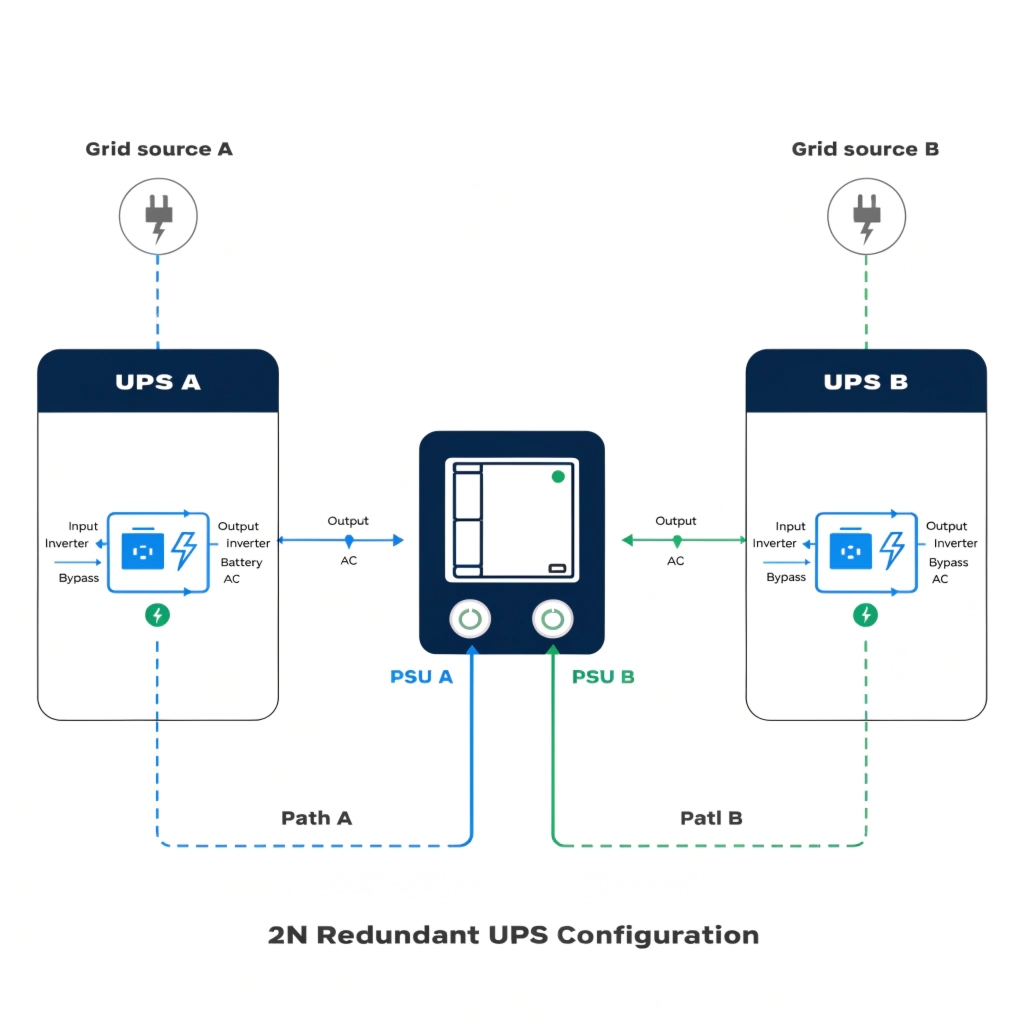
Yes, you can, but only if your device has dual power supplies. You must connect each power supply to a separate UPS. Never plug the output of one UPS directly into another, as this can cause overload and failure.
The Gold Standard: 2N Redundancy
In the data center world, this is how we achieve maximum uptime. This setup is called "2N Redundancy," where 'N' is the amount of power you need. 2N means you have two complete, independent systems. This is only possible for equipment, like enterprise servers or network switches, that comes with two Power Supply Units (PSUs). Each PSU is a separate power input for the device.
You create two totally separate power paths. Power Path A consists of a utility circuit, UPS A, and PSU A. Power Path B consists of a second utility circuit, UPS B, and PSU B. If any single component in Path A fails—the circuit breaker trips, UPS A has a fault, or the power cord is unplugged—the server doesn't notice. It continues to draw full power from Path B without any interruption. As an OEM, we supply paired UPS systems to hospitals and banks for this very reason. It eliminates the UPS itself as a single point of failure.
| Method | How it Works | Result |
|---|---|---|
| Correct (2N Redundancy) | One UPS per power supply on a dual-PSU server. | Maximum reliability. If one entire power path fails, the server stays online. |
| Incorrect (Daisy-Chaining) | Plugging the output of UPS A into the input of UPS B. | Dangerous. Overloads UPS A, reduces efficiency, and creates more failure points. |
Is a UPS an input, output, process, or storage device?
You are trying to categorize your IT assets for inventory. The UPS doesn't seem to fit into a simple box. Is it for input, output, processing, or storage? This simple question can be confusing.
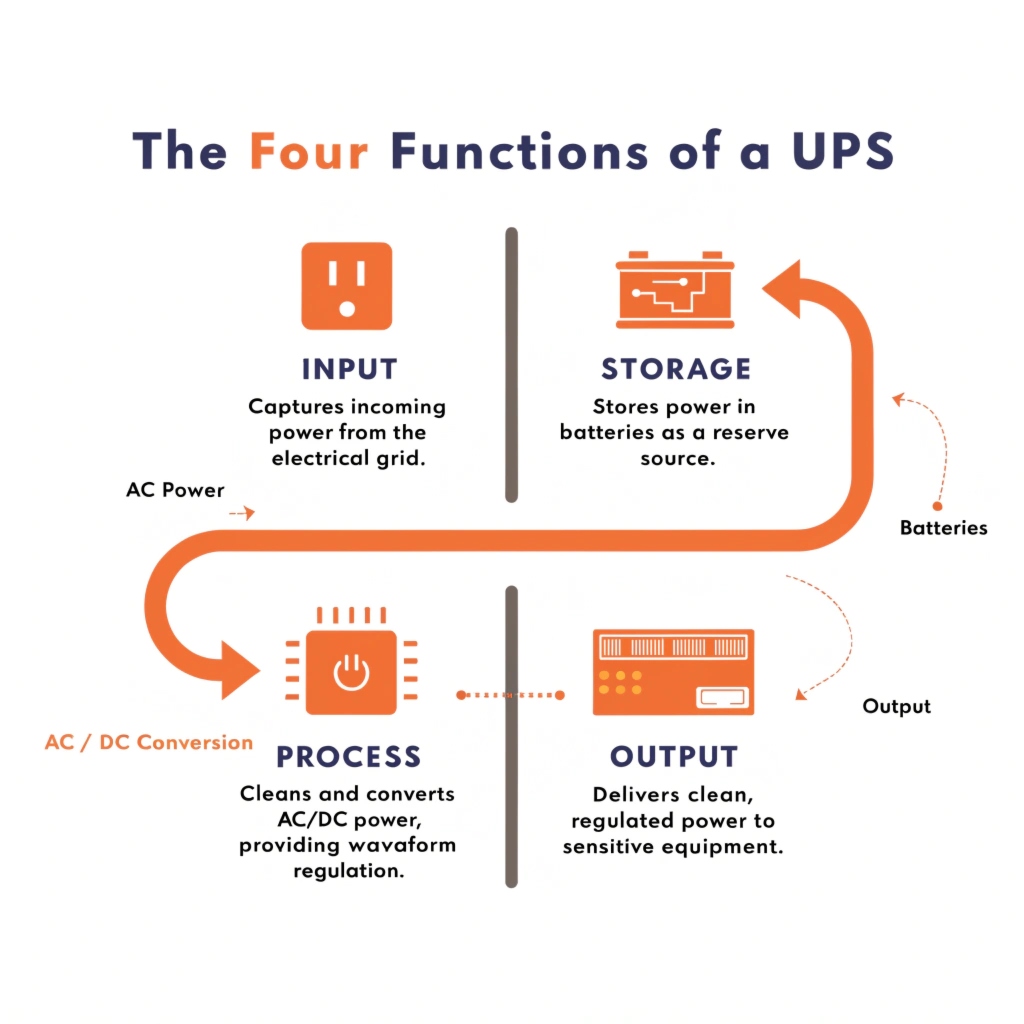
A UPS is all four at once. It takes dirty AC power as an input, uses an internal process to clean it, provides perfect AC power as an output, and uses batteries as an energy storage device.
A Hybrid Power Management System
When we design a UPS, we are engineering a system that performs all four of these functions in harmony. Let's look at each part of its job.
- Input: The UPS is connected to your wall outlet. The circuitry at this stage, called the rectifier, takes in the utility power. This power can be unstable, with sags and spikes. The input stage is built to handle this "dirty" power without being damaged.
- Storage: The rectifier converts the AC power to DC power to charge the batteries. The batteries, either lead-acid or lithium-ion, are the energy storage component. They hold the power that will be used during an outage. The size of this battery bank determines the UPS's runtime.
- Process: This is the most critical part. In an Online UPS, an inverter is always running. It takes the DC power (either from the rectifier or the batteries) and uses it to "process" or build a brand-new, perfect AC sine wave. This active processing is what guarantees clean, stable power.
- Output: The perfect AC power created by the inverter is sent to your equipment. This is the final output. Because the inverter is always on, the switch from utility power to battery power is instantaneous.
So, a UPS is a complete power management system. It's an active device that constantly processes and conditions power, using storage to ensure the output is always perfect.
What happens if you plug a UPS into itself?
You might have a strange thought: what if you create a loop by plugging a UPS's power cord into one of its own battery-backed outlets? Would it create infinite power, or would it just explode?
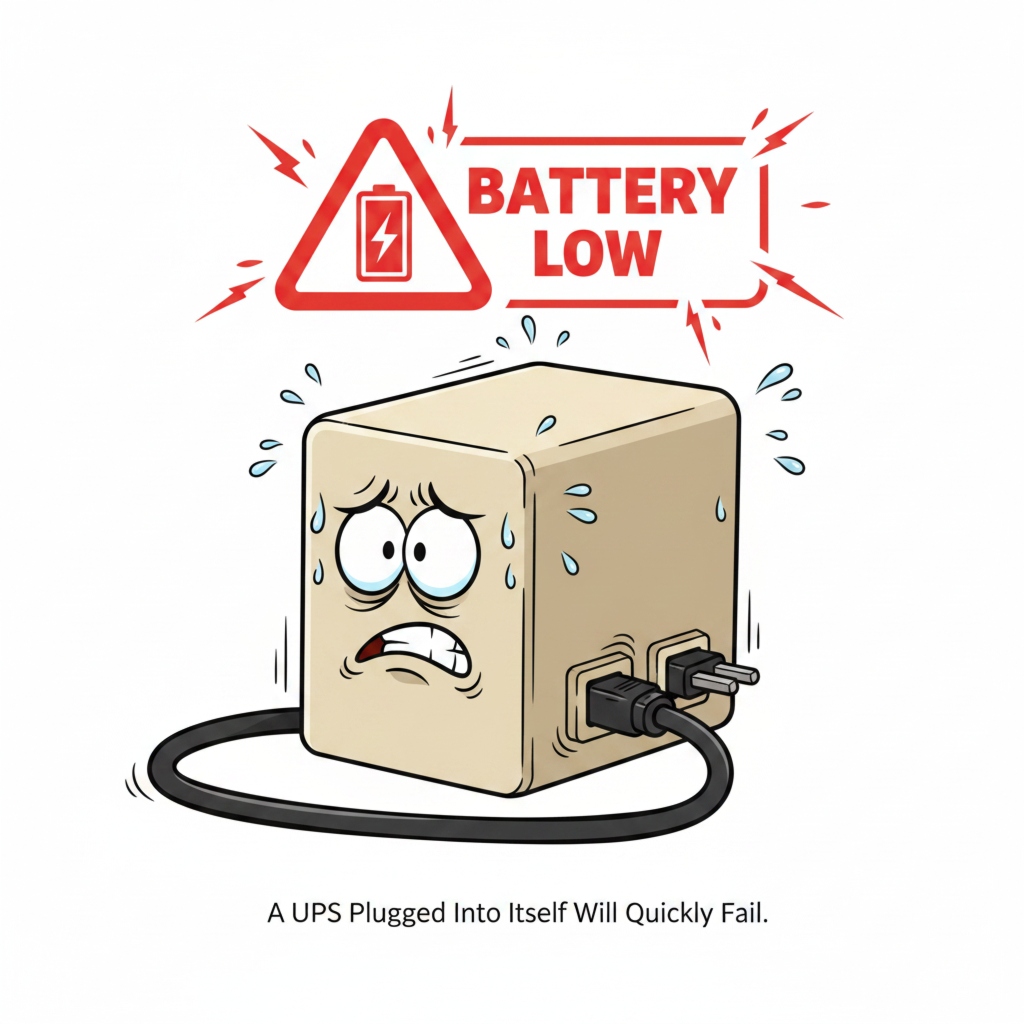
Do not try this. The UPS will rapidly drain its own battery while trying to charge itself. Due to energy loss in every conversion step, it's an inefficient loop that will cause the unit to shut down in minutes.
A Lesson in Physics
This is a fun question that demonstrates a basic law of physics: you can't get something from nothing. Energy cannot be created, only converted. And every time you convert energy from one form to another, you lose some of it as heat.
Here's the process step-by-step:
- The UPS starts on battery power, converting DC from its battery to AC at its output outlets. This conversion is not 100% efficient; some power is lost as heat.
- You plug the UPS's input cord into one of those AC outlets. The UPS now tries to use its own output to run its charger.
- The charger takes the AC power and converts it back to DC power to charge the battery. This second conversion also loses energy as heat.
So, with every cycle, the total amount of energy in the system goes down. If the UPS outputs 100 watts, it might only get 85 or 90 watts back to its charger because of the combined losses. The battery is being drained faster than it is being charged. The UPS will quickly deplete its battery and shut down. Most modern UPS systems have built-in protections, so it won't explode, but it's a completely pointless exercise that proves perpetual motion isn't possible.
Can we use our computer UPS as a power inverter?
There's a power outage, and you need to run a small lamp or charge your phone. You look at your UPS. It has a big battery and AC outlets. You think it can work as a power inverter, right?
Technically, it can function as an inverter for a very short time, but it's a bad idea. A UPS is not designed for continuous use like a dedicated inverter and will likely overheat or drain and damage its batteries very quickly.
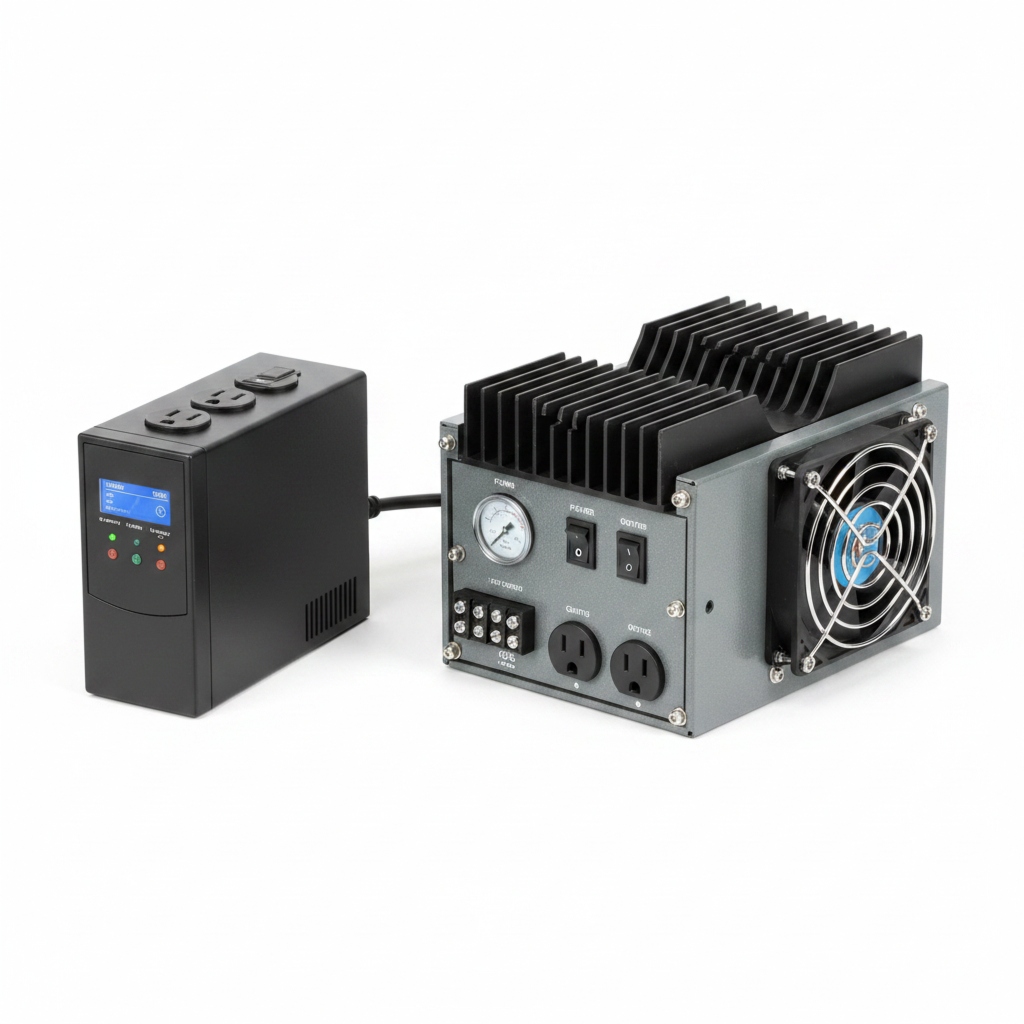
The Right Tool for the Right Job
My insight is that a UPS is a specialized tool. While it shares components with a power inverter, its design purpose is completely different. As a manufacturer, we build these two products with different goals in mind.
A UPS is built for high reliability over a short duration. Its main job is to provide perfect, clean power for 5-15 minutes, allowing for a graceful shutdown or for a backup generator to start. The inverter inside is powerful, but its cooling system (heat sinks and fans) is designed for this short sprint, not a marathon.
A dedicated power inverter, the kind you might install in an RV or use for an off-grid system, is designed for continuous duty. It's built to run for hours or days at a time. It has much larger heat sinks, more powerful fans, and is designed to handle different types of loads, like motors in pumps or compressors.
Using a computer UPS as a long-term inverter will cause it to overheat and shut down. More importantly, it will deeply discharge its batteries. UPS batteries are meant to be kept at 100% charge and used infrequently. Draining them completely over and over again will destroy their capacity in just a few months. A UPS is convenient, safe, and reliable only when used for its intended purpose: short-term backup.
Conclusion
You should always keep your PC plugged into its UPS. This device is designed for 24/7 protection. Using it correctly is the key to ensuring your equipment is always safe and reliable.
