 Skip to content
Last year during hurricane season, one of my clients lost thousands of dollars worth of electronics. Turns out a simple UPS could have prevented that disaster.
A UPS battery backup provides emergency power:
A UPS (Uninterruptible Power Supply) instantly switches to battery power when mains electricity fails. This gives you time to safely save work and shut down equipment.
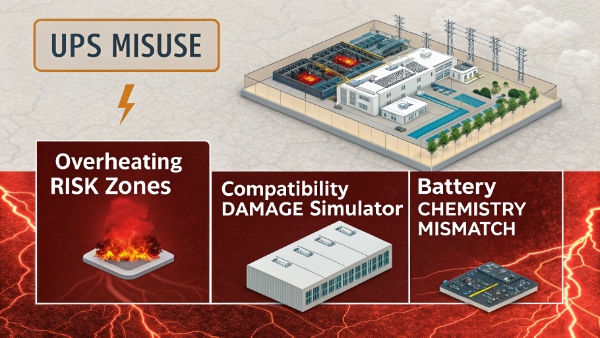
Modern UPS units do more than just power backup though. They condition power, suppress surges, and provide clean electricity.
Does UPS Protect a Computer From High Voltage?
I've seen computers fried by power spikes too many times. Proper UPS protection makes all the difference.
Yes, quality UPS systems protect against:
- Power surges (up to certain voltage levels)
- Spikes and transients
- Electrical noise

But protection levels vary significantly:
- Basic UPS: Handles minor surges
- Premium UPS: Protects against lightning strikes
Always check the joules rating for surge protection capability.
Can I Use One UPS With Two Computers?
Early in my career, I nearly overloaded a UPS trying this. Here's what I learned:
Calculation method:
| Computer Type | Typical Power Usage | Safe Maximum |
|---|---|---|
| Office PC | 150-300W | 40% UPS capacity |
| Gaming PC | 400-800W | 60% UPS capacity |
Key considerations:
- Add up all connected device wattages
- Never exceed 80% capacity
- Account for startup surges

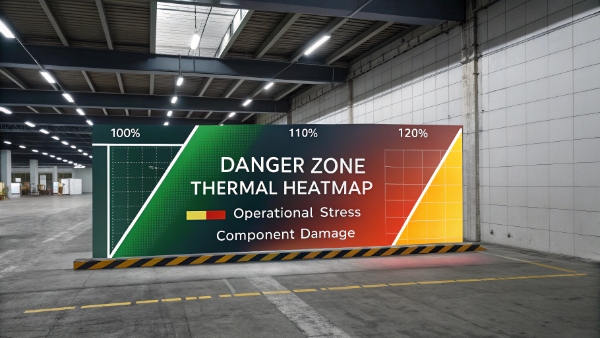
Can an Overloaded UPS Damage My Computer?
This exact scenario damaged three workstations in our office last quarter.
Overload consequences:
| Overload Level | Effects |
|---|---|
| Slight (100-105%) | Reduced runtime |
| Moderate (105-120%) | Potential shutdown |
| Severe (120%+) | Damage possible |
Signs of overload:
- UPS fans running constantly
- Frequent warning beeps
- Unexpected shutdowns
What Happens If a UPS Shuts Down to Protect a Computer?
During testing last month, I triggered various UPS shutdown protocols:
Shutdown scenarios:
| Trigger | Warning | Protection Method |
|---|---|---|
| Battery exhausted | Repeated beeps | Graceful shutdown |
| Overload | Continuous tone | Immediate cutoff |
| Fault condition | Alarm | Full disconnect |
Best practices:
- Enable auto-shutdown software
- Monitor battery health
- Replace old batteries

Conclusion
A proper UPS battery backup1 is essential equipment protection - preventing both immediate damage and long-term issues from power problems.
Key takeaways:
- Size UPS correctly
- Monitor battery health2
- Replace when needed


