
Power outages and surges still threaten our devices daily. Many don't realize how vulnerable their equipment remains without proper protection.
UPS systems provide instant backup power during outages and regulate voltage to prevent damage. They serve as critical protection for computers, servers, and other sensitive electronics.
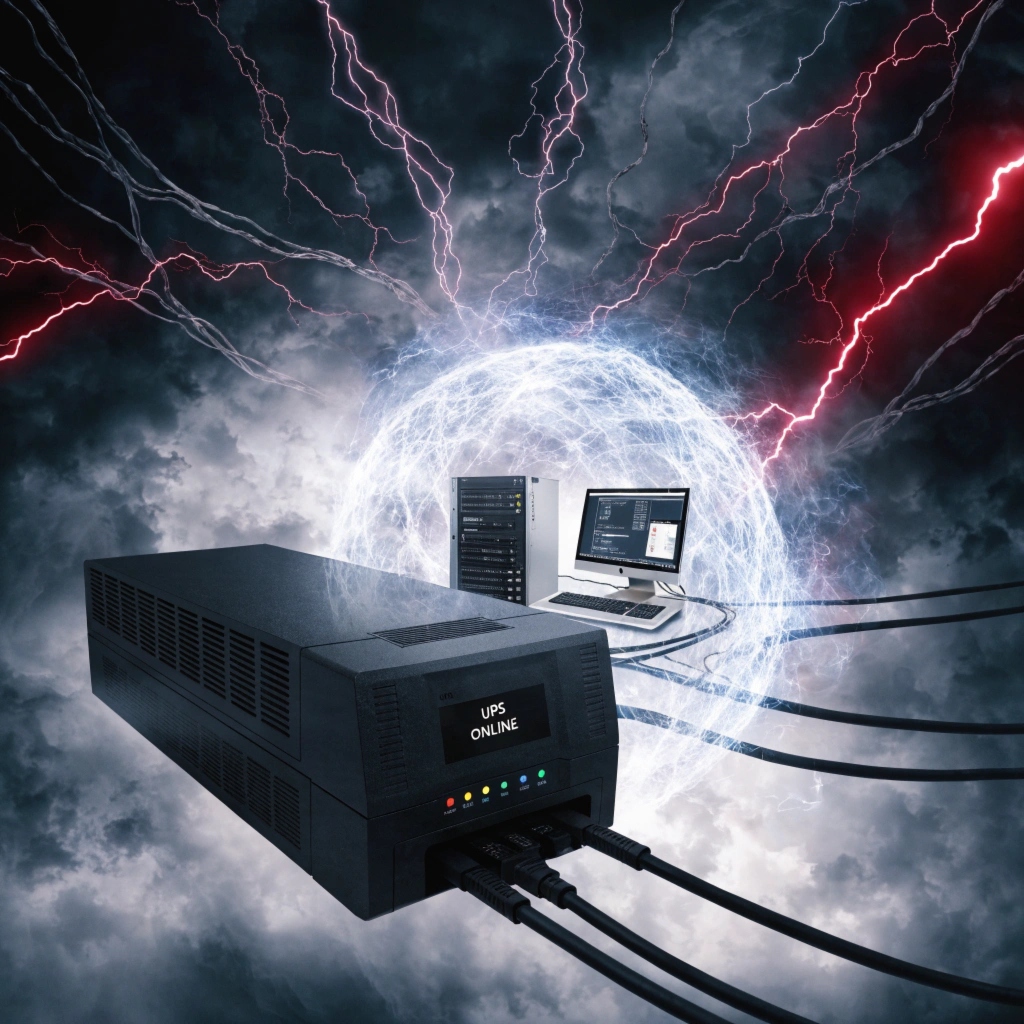
Modern electronics might seem resilient, but power problems cause real damage. A UPS acts like an insurance policy for your devices. It prevents data loss during sudden outages and protects against damaging voltage fluctuations.
What is an Uninterruptible Power Supply (UPS)?
We all experience power problems, but few understand the solution available.
A UPS is a device that provides emergency power when regular power fails. It also filters and regulates incoming power to protect connected equipment from electrical issues.
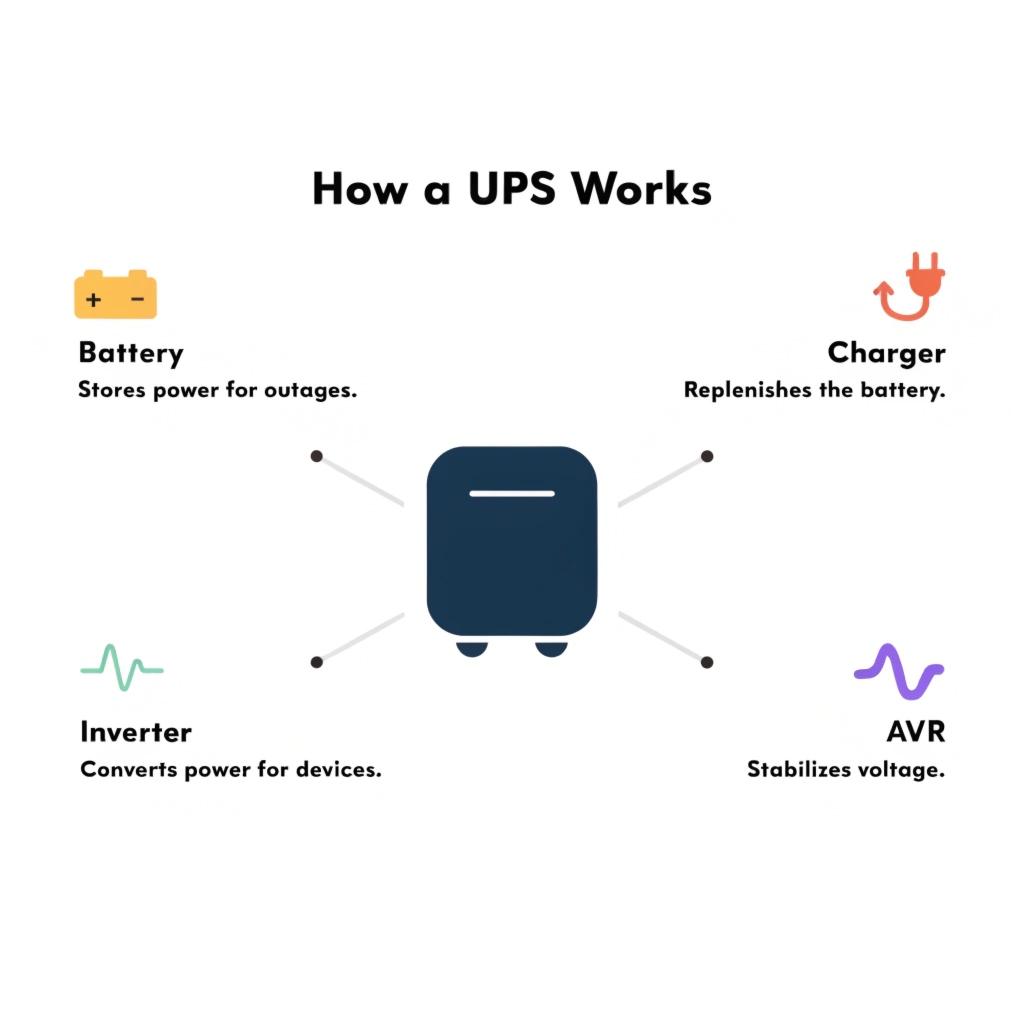
Understanding UPS components helps explain how they work:
| Part | Function | Importance |
|---|---|---|
| Battery | Stores backup power | Determines runtime during outages |
| Inverter | Converts DC to AC power | Powers AC devices from battery |
| Charger | Replenishes battery | Maintains readiness |
| AVR | Adjusts voltage | Prevents damage from surges/sags |
A UPS sits between your device and the wall outlet. It constantly monitors incoming power. When problems occur, it switches to battery power within milliseconds. This quick response keeps devices running smoothly.
UPS Battery Backup: How Does It Really Work?
People often confuse UPS systems with simple surge protectors. The battery backup makes the crucial difference.
The battery backup in a UPS provides immediate temporary power during outages. This gives users time to save work and shut down properly or wait for power restoration.
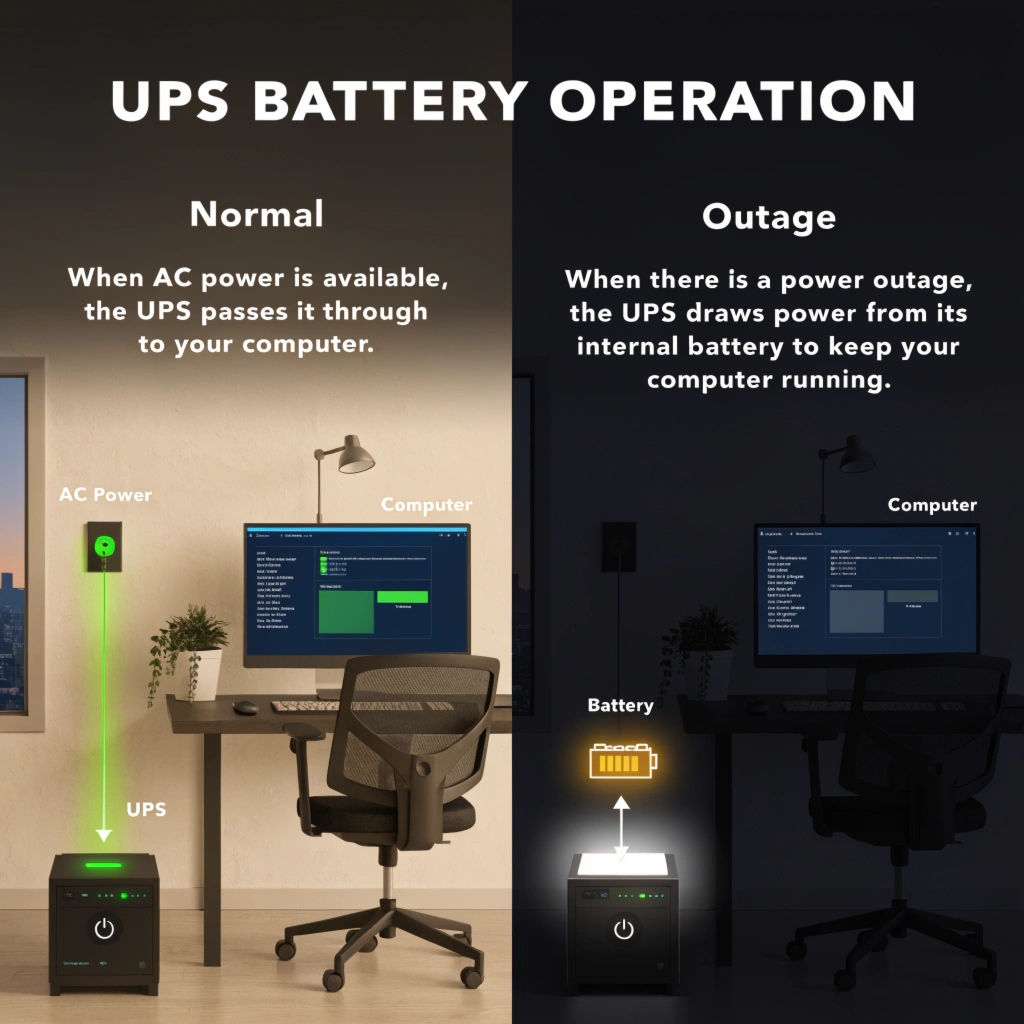
The power protection process happens in stages:
- Normal Operation: UPS filters power and charges battery
- Power Problem Detected: Switches to battery within milliseconds
- Backup Power: Runs connected equipment from battery
- Power Returns: Switches back and recharges battery
- Shutdown Option: Some models can safely turn off equipment
Battery capacity determines how long a UPS can run your equipment. Typical runtimes range from 5 minutes (for shutdowns) to several hours for critical systems. Remember - UPS units are for temporary power, not long-term solutions.
What are the Different Types of UPS Systems?
Not all UPS systems offer the same level of protection. Different designs serve different needs.
The three main UPS types are standby, line-interactive, and double-conversion. They vary in complexity, cost, and protection level for different applications.
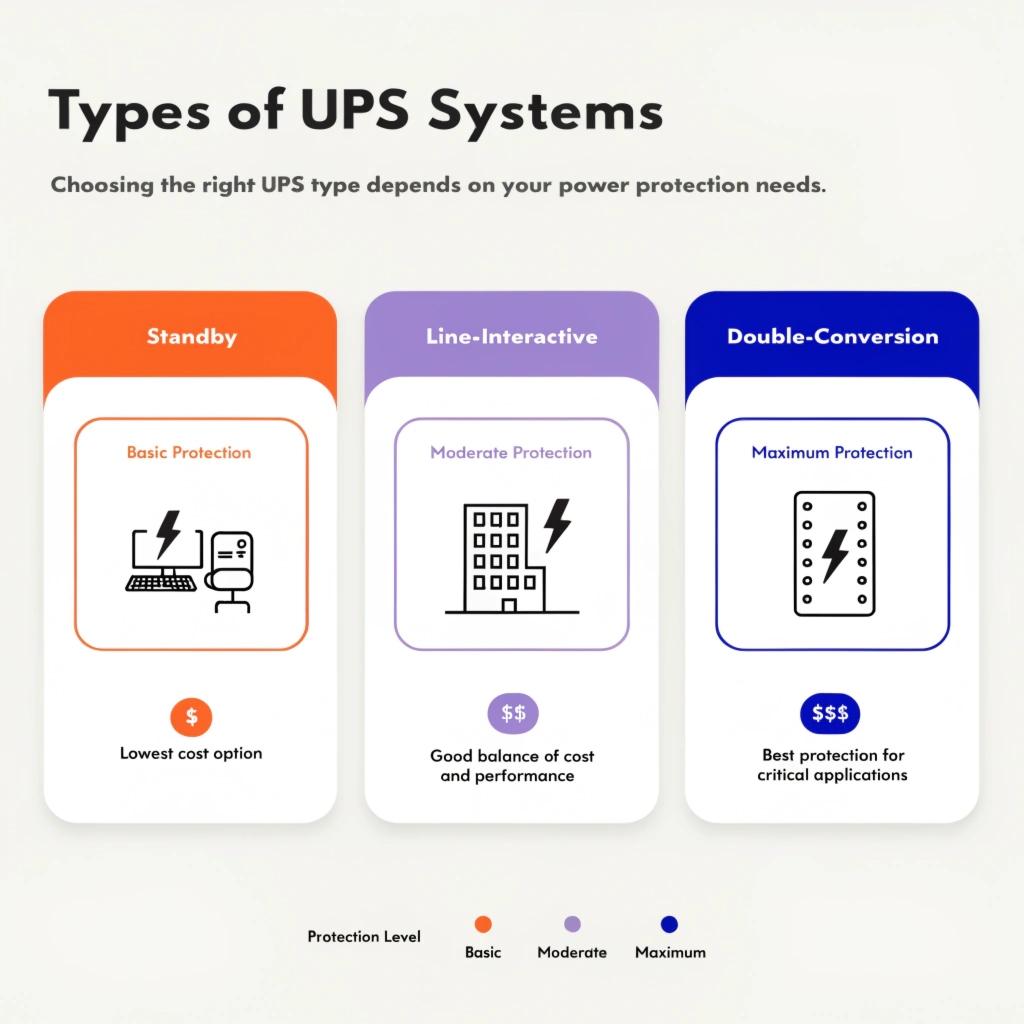
Here's how to choose the right type for your needs:
| Type | Protection Level | Best For | Price Range |
|---|---|---|---|
| Standby | Basic | Home computers, basic electronics | $ |
| Line-Interactive | Moderate | Small offices, network equipment | $$ |
| Double-Conversion | Maximum | Data centers, critical systems | $$$ |
Standby UPS switches to battery only during complete outages. Line-interactive models actively correct minor voltage fluctuations before they reach your equipment. Double-conversion units provide the cleanest power by constantly converting and recreating the power signal.
Uninterruptible Power Supply (UPS) FAQs
Many questions come up when selecting and using UPS systems. Here are the most common concerns addressed.
UPS systems protect electronics and maintain power, but users often wonder about battery life, capacity, and proper usage. Proper selection and maintenance maximize UPS benefits.

Frequently asked questions answered:
How long does a UPS battery last?
- Typical lifespan: 3-5 years
- Affected by: Temperature, usage frequency, power cycles
Can I replace the battery myself?
- Most consumer UPS: Yes
- Many have removable battery packs
- Always use manufacturer-recommended replacements
What size UPS do I need?
- Calculate total wattage of protected equipment
- Add 20-25% capacity for headroom
- Consider desired runtime duration
Can a UPS protect against lightning?
- Provides surge protection
- Direct lightning strikes may overwhelm protection
- Unplug during severe storms
Proper UPS use requires understanding these basics. Remember that UPS units themselves need occasional maintenance, especially battery replacements. Most systems indicate when battery performance degrades.
Conclusion
UPS systems remain vital for protecting electronics from power problems. Understanding types and features helps choose the right protection. Properly maintained, a UPS safeguards equipment and prevents data loss.