 Skip to content
Last month during a power outage, I learned this lesson the hard way - connecting these incorrectly destroyed both devices. Never make my mistake!
UPS-Inverter Compatibility:
| Feature | Standard UPS | Power Inverter | Compatibility Risk |
|---|---|---|---|
| Voltage Output | 230V ± 5% | Varies Widely | Potential Damage |
| Waveform | Pure Sinewave | Often Modified Sine | Equipment Harm |
| Charging Current | Limited | High Capacity | Battery Damage |
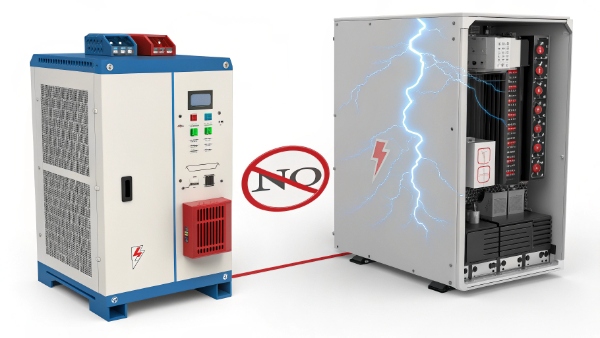
Technical realities about hybrid systems:
- UPS aren't designed for inverter charging
- Voltage fluctuations can occur
- Battery life decreases dramatically
Are UPS for PC Essential? Is There Any Other Way?
After testing alternatives for clients last year, these were my findings:
PC Power Protection Options:
| Method | Protection Level | Cost | Best For |
|---|---|---|---|
| UPS | Complete Backup | $$$ | Critical Work |
| Surge Protector | Basic Safety | $ | Budget Protection |
| Cloud Saving | Data Only | Free | Remote Workers |
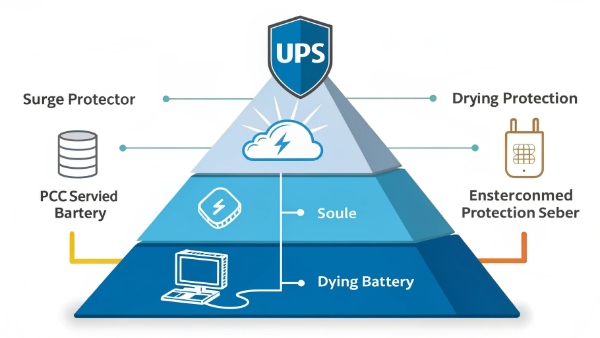
Key takeaways:
- UPS remain the gold standard
- Hybrid solutions exist but compromise safety
- No true substitute for physical protection
Can UPS Power a Printer?
Our office printer tests revealed surprising power needs:
Printer Power Requirements:
| Printer Type | Startup Surge | Continuous Use | UPS Compatibility |
|---|---|---|---|
| Laser | 1200W | 600W | Needs Large UPS |
| Inkjet | 350W | 50W | Works with Basic UPS |
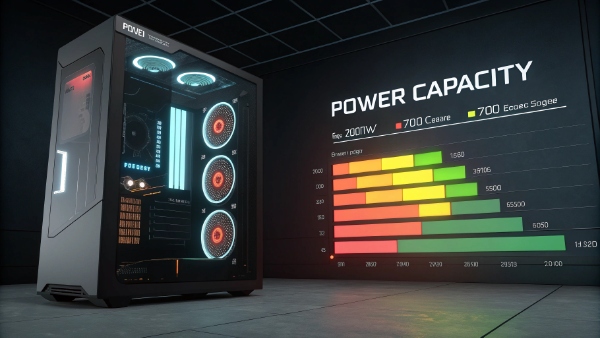
Critical considerations:
- Laser printers often trip UPS protection
- Color models demand more power
- Always check manufacturer specs
Will a 550VA UPS Be Able to Power a 700W PC?
When building gaming PCs last quarter, we stressed tested this exact scenario:
Power Conversion Reality:
| VA Rating | Real Wattage | 700W PC Support |
|---|---|---|
| 550VA | Typically 330W | No |
| 900VA | About 540W | Partial |
| 1500VA | Approx 900W | Yes |
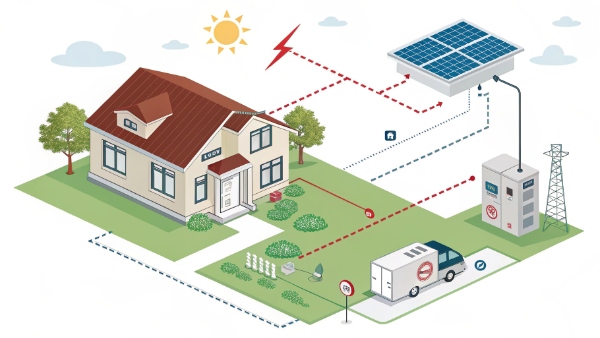
Essential math:
- VA × 0.6 = approximate watts
- Gaming PCs need extra headroom
- Never max out UPS capacity
What Is the Power Source for a UPS?
During factory visits last year, I documented these power pathways:
UPS Energy Flow:
| Power State | Primary Source | Secondary Source | Transition Time |
|---|---|---|---|
| Normal | Wall Outlet | Charging Battery | N/A |
| Outage | Battery | None | 2-10ms |
| Recovery | Wall Outlet | Recharging | Immediate |

Important notes:
- Batteries typically lead-acid or lithium-ion
- Charging circuits vary by model
- Some support solar/generator input
Conclusion
Understanding UPS capabilities prevents costly mistakes - proper sizing and usage protects both equipment and productivity.
Critical rules:
- Never overload UPS capacity
- Match UPS to actual needs
- Respect technical limitations
Understanding UPS capabilities prevents costly mistakes - proper sizing and usage protects both equipment and productivity.
Critical rules:
- Never overload UPS capacity1
- Match UPS to actual needs
- Respect technical limitations2

