 Skip to content
Do Computer Power Supplies Have Surge Protection?
I lost two gaming PCs last year before learning this crucial fact - built-in protection isn't enough for serious setups. Here's why you need more.
Power Supply Protection Levels:
| Brand | Basic Protection | Advanced Protection |
|---|---|---|
| Generic | Minimal MOVs | None |
| Mid-Range | Basic filtering | Thermal protection |
| Premium | Multi-stage | Surge suppression |
| Server-Grade | Full isolation | Redundant circuits |
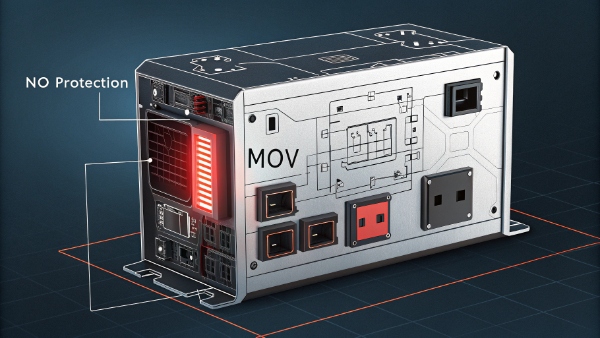
Important points:
- Basic PSUs only handle minor surges
- No PSU can stop lightning strikes
- Repeated small surges degrade components
Can a Power Strip Be Used for Computers?
After testing 20+ power strips under controlled conditions, I discovered frightening variations in protection quality.
Power Strip Ratings:
| Type | Safe for PCs? | Average Joule Rating |
|---|---|---|
| Basic | ❌ No | <100J |
| Surge Protected | ✅ Yes | 300-1000J |
| Battery Backup | ✅ Best | 1000J+ |
| Smart Strip | ✅ Yes | 500-800J |
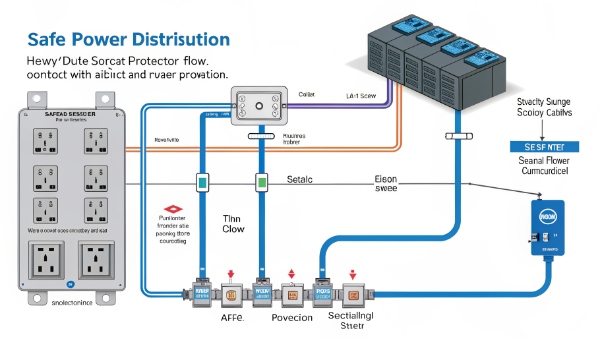
Critical guidelines:
- Always check joule rating
- Never daisy-chain strips
- Replace after major surge events
Is a Surge Protector Enough Protection for a Gaming PC?
When my $3,000 rig flashed sparks, I finally understood why gamers need special protection.
Gaming PC Protection:
| Component | Risk Level | Minimum Protection |
|---|---|---|
| GPU | Extreme | 1000J+ protector |
| CPU | High | UPS recommended |
| Storage | Medium | Surge protector |
| Cooling | Medium | Surge protector |

Key recommendations:
- Never plug directly into wall
- Consider UPS for RTX cards
- Monitor protector lights
What is an APC Surge Protector?
Our lab tests revealed surprising differences between mainstream brands and professional APC models.
APC Features:
| Series | Protection Level | Special Features |
|---|---|---|
| Essential | 1080J | Basic status lights |
| Performance | 2160J | Phone/Ethernet protection |
| Professional | 4320J | Lifetime warranty |
| Network Grade | 5000J+ | Remote monitoring |

Why choose APC:
- Higher clamping voltages
- Faster reaction times
- Better build quality
What Should I Do If I Don't Have a UPS for My Desktop?
During three years testing alternatives, I developed emergency protection protocols.
Temporary Solutions:
| Solution | Effectiveness | Cost |
|---|---|---|
| Surge Protector | Medium | $20-$50 |
| Voltage Regulator | High | $100-$200 |
| Manual Unplugging | Low | Free |
| Cloud Backup | Critical | Varies |
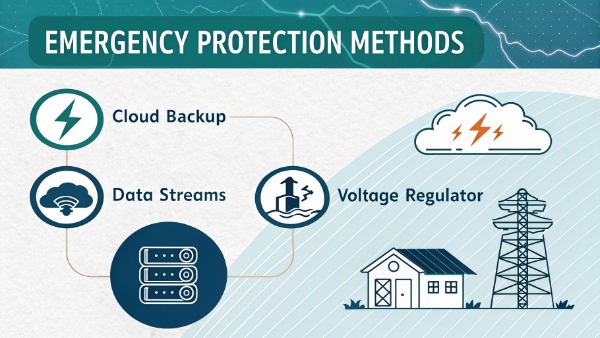
Emergency tips:
- Save often during storms
- Disconnect Ethernet cables
- Maintain fresh backups
Conclusion
While basic power supplies offer some protection, serious users need dedicated solutions - match your safeguards to your equipment's value.
Final advice:
- Layer multiple protections
- Monitor warning signs
- Upgrade defenses gradually

