 Skip to content
Power supplies come in different designs, each with unique safety considerations. Understanding isolation helps prevent electrical hazards.
A non-isolated power supply directly connects input and output circuits without electrical separation. This makes them simpler but potentially more dangerous than isolated versions.
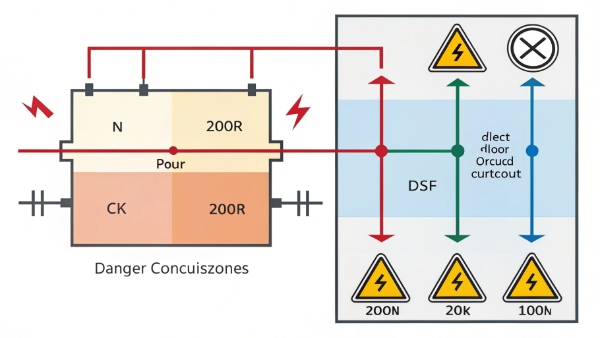
Let's explore power supply basics and related UPS considerations.
How to Check My Computer's Power Supply Voltage?
Many users worry about incorrect voltages damaging components. What's the safest way to verify power?
Use a multimeter to check voltage at the PSU connectors. Always measure while powered off, connecting the black probe to ground and red to voltage pins.
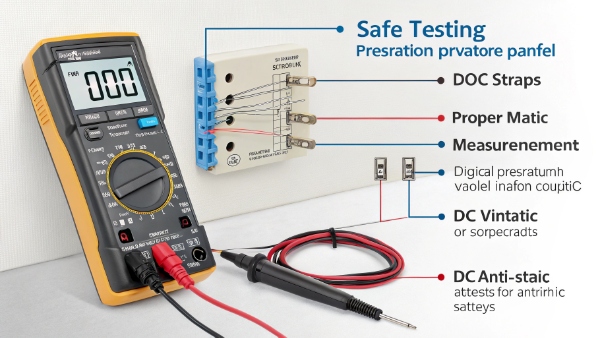
Safe Voltage Testing Procedure
| Step | Action | Safety Precaution |
|---|---|---|
| 1 | Unplug PSU | Prevents shocks |
| 2 | Locate 24-pin connector | Refer to PSU manual |
| 3 | Set multimeter to DC voltage | Avoids meter damage |
| 4 | Identify ground pin | Prevents short circuits |
| 5 | Measure key voltages | Compare to ATX specs |
For most users, professional testing is safer than DIY methods.
What Are the Installation and Use of UPS Power?
Improper UPS setup leads to reduced effectiveness. What basic steps ensure proper operation?
Basic UPS installation involves placing it level, connecting batteries first, then attaching protected equipment. Always follow manufacturer instructions precisely.
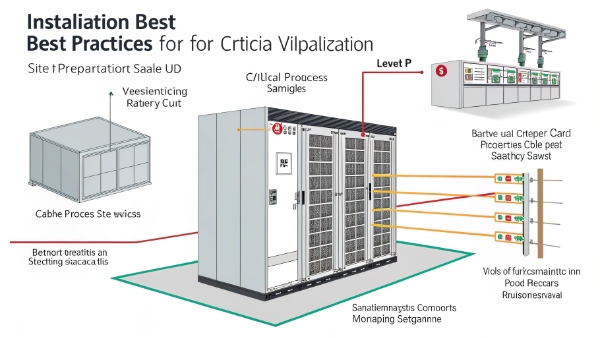
Critical Installation Steps
| Task | Importance | Common Mistakes |
|---|---|---|
| Location selection | Prevents overheating | Placing in enclosed spaces |
| Battery connection | Activates protection | Reversing polarity |
| Output wiring | Ensures protection | Overloading circuits |
| Initial charging | Prepares batteries | Powering on immediately |
| Test operation | Verifies functionality | Skipping test cycle |
Professional installation is recommended for complex setups.
How to Buy and Use an Uninterruptible Power Supply?
The UPS market offers many options - what factors matter most when selecting?
Key purchasing considerations include wattage capacity, runtime needs, outlet types, and required protection features. Match these to your specific equipment.
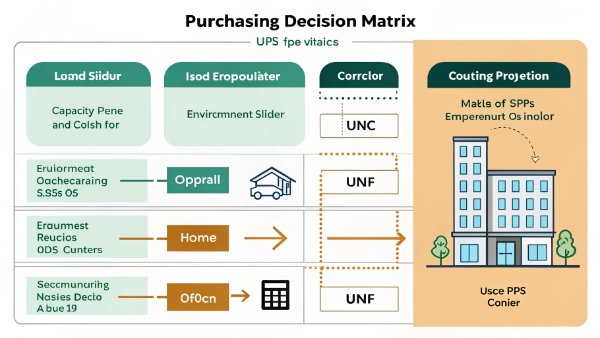
Purchasing Decision Factors
| Factor | Home Use | Office Use | Data Center |
|---|---|---|---|
| Capacity | 500-1500VA | 1000-3000VA | 3000VA+ |
| Runtime | 5-15 mins | 15-30 mins | 30+ mins |
| Outlets | 6-8 | 8-12 | Custom |
| Features | Basic | Managed | Networked |
| Budget | $100-300 | $300-1000 | $1000+ |
Consider hiring professionals for critical system UPS selection.
How Would You Classify an Uninterruptible Power Supply?
Understanding UPS categories helps match technology to needs. What classification systems exist?
UPS systems are primarily classified by topology (standby, line-interactive, online) and application (commercial, industrial, enterprise). Each type serves different purposes.
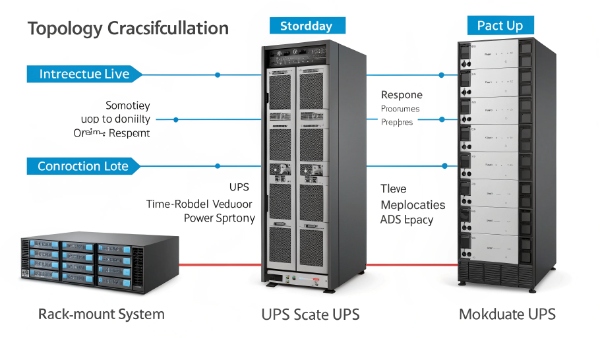
UPS Classification Matrix
| Category | Subtype | Best For | Cost |
|---|---|---|---|
| Topology | Standby | Home PCs | $ |
| Topology | Line-interactive | Office gear | $$ |
| Topology | Online | Servers | $$$ |
| Application | Desktop | Individual PCs | $ |
| Application | Rackmount | Network gear | $$ |
| Application | Modular | Scaling needs | $$$$ |
Professionals can recommend the optimal classification for specific needs.
Conclusion
Power systems require careful consideration from selection through installation. While basic information helps understanding, professional assistance ensures optimal safety and performance.
Key Takeaways:
- Non-isolated supplies lack electrical separation
- Voltage checks require caution
- Proper UPS installation follows specific steps
- Purchase based on actual needs
- Classification systems guide selection

