
Power disruptions can happen at any moment, threatening our important electronic devices. This simple question reveals a vital protection system most people overlook.
A UPS primarily draws power from standard AC mains electricity which charges its internal batteries, then switches to battery power during outages. Some advanced models can also integrate with generators or renewable energy sources.
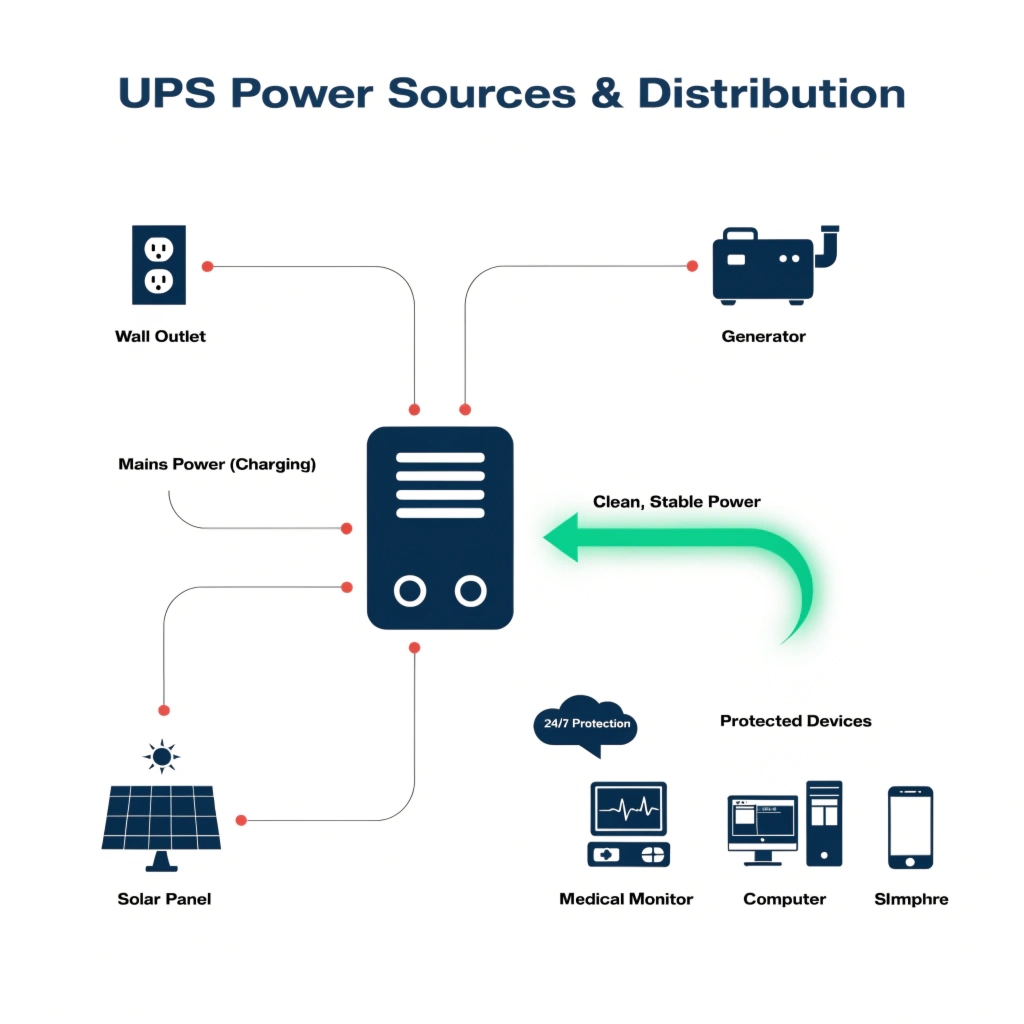
The power sourcing process is smarter than most realize. When wall power is available, the UPS simultaneously powers connected equipment and charges its batteries. During an outage, it instantly switches to battery power - typically within 2-8 milliseconds. Modern UPS systems can even alternate between multiple power sources automatically.
What is the function of UPS?
Most people think UPS only provide backup power, but their role is far more comprehensive.
A UPS performs three critical functions: provides temporary power during outages, regulates unstable voltage, and filters electrical noise that can damage sensitive electronics.
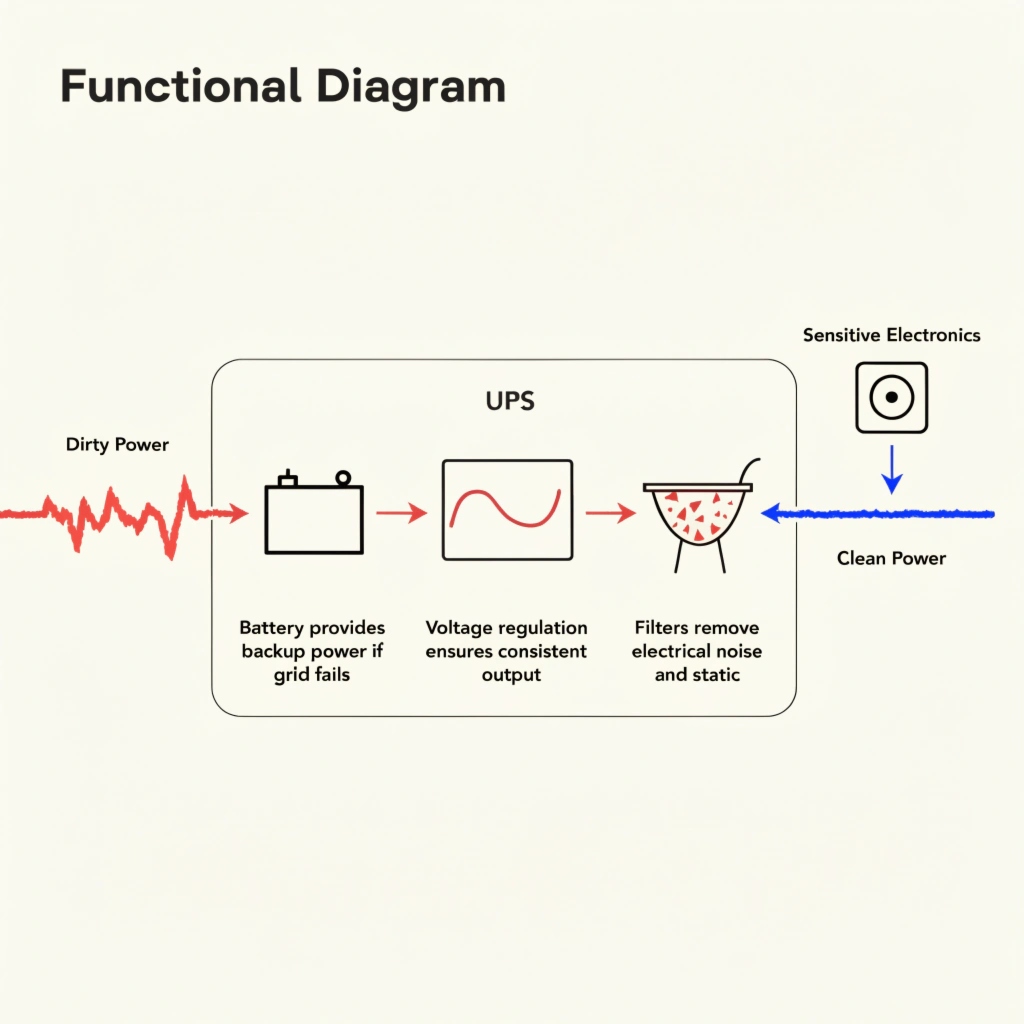
The protective functions work together seamlessly:
| Function | How It Works | Protection Provided |
|---|---|---|
| Power Backup | Instant battery switchover | Prevents sudden shutdowns |
| Voltage Regulation | Automatic adjustment | Protects from surges/sags |
| Power Filtering | Noise suppression | Reduces electronic interference |
| Surge Protection | Diverts excess voltage | Prevents damage from spikes |
These functions are especially crucial in environments like hospitals where equipment must remain operational 24/7. A UPS doesn't just keep devices running - it ensures they receive clean, stable power continuously.
What are the major components of a UPS?
Understanding the internal components explains how UPS systems deliver reliable protection.
Every UPS contains four essential components: batteries for power storage, an inverter to convert DC to AC power, a charger to maintain battery charge, and transfer switches for power source transitions.
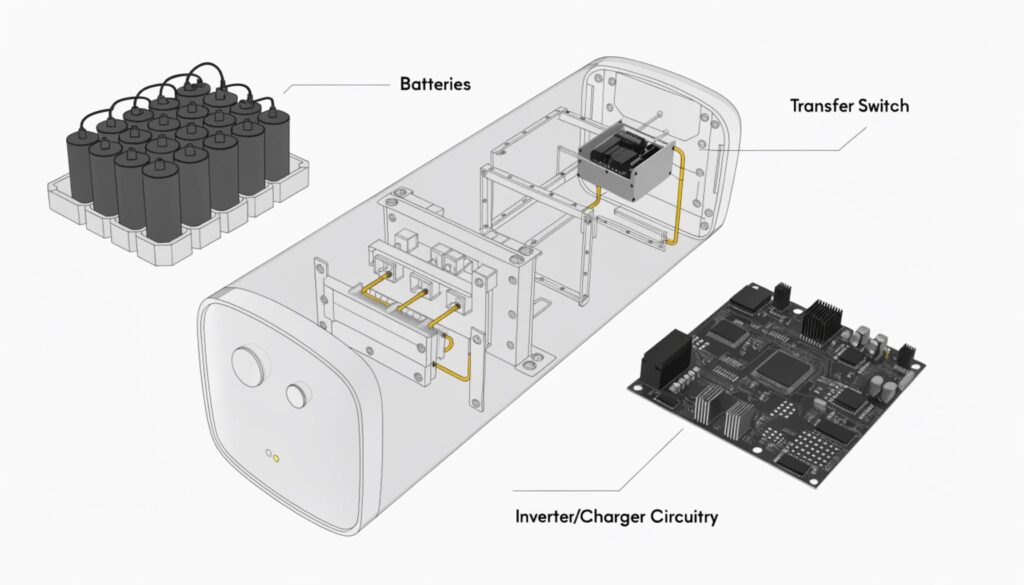
Here's what each component does:
-
Batteries (Lead-acid or Lithium-ion)
- Store electrical energy for outages
- Typically provide 5-30 minutes of runtime
- Modern units use maintenance-free designs
-
Inverter
- Converts battery DC power to AC
- Creates clean sine wave output
- Some models simulate sine waves for cost efficiency
-
Rectifier/Charger
- Converts AC to DC for charging
- Maintains optimal battery charge
- Prevents overcharging damage
-
Transfer Switches
- Detect power interruptions
- Instantly switch to battery power
- Some models support generator integration
-
Monitoring Circuits (in advanced models)
- Track battery health
- Provide runtime estimates
- Enable remote management
These components work together to create a seamless power protection system. Medical-grade UPS systems often include additional monitoring and redundancy features for maximum reliability.
What is the purpose of UPS in a computer?
Computers seem resilient, but power issues cause silent damage that accumulates over time.
A UPS protects computers from data loss during outages, prevents hardware damage from power fluctuations, and allows safe shutdown procedures when power fails unexpectedly.
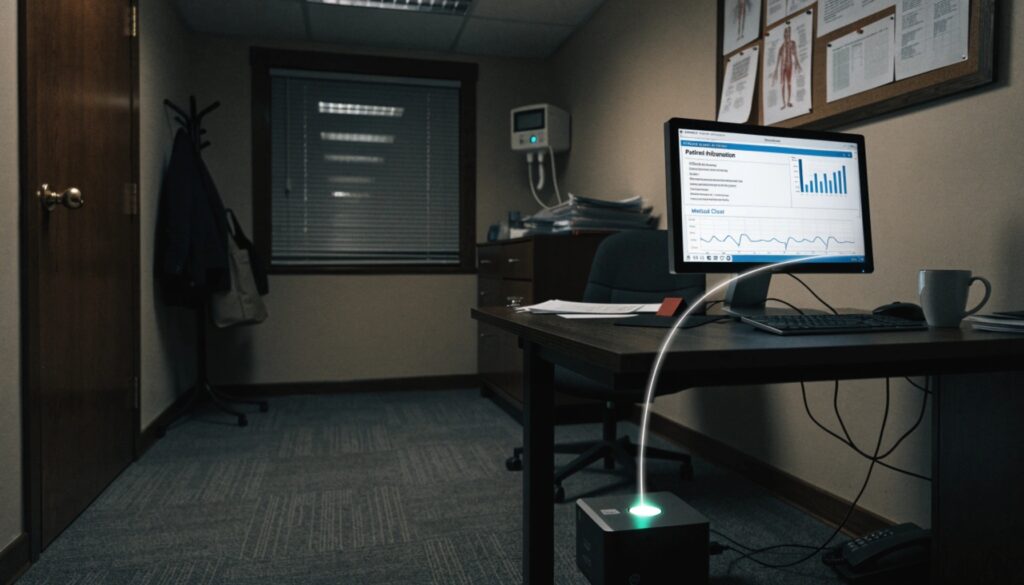
The specific protections benefit users in these ways:
Data Protection
- Prevents file corruption during writes
- Maintains unsaved work during brief outages
- Protects against sudden reboots
Hardware Safety
- Conditions incoming power
- Reduces stress on power supplies
- Extends component lifespan
System Stability
- Maintains network connections
- Keeps security systems active
- Allows uninterrupted transactions
Modern computer UPS systems often include USB or network connectivity for automated shutdown sequences. When paired with monitoring software, they can safely close programs and power down systems during extended outages.
How would you classify an Uninterruptible Power supply?
Not all UPS systems are created equal - different classifications exist for different needs.
UPS systems are primarily classified by their power conversion method into three categories: standby (offline), line-interactive, and online (double-conversion), each offering progressively better protection at higher costs.
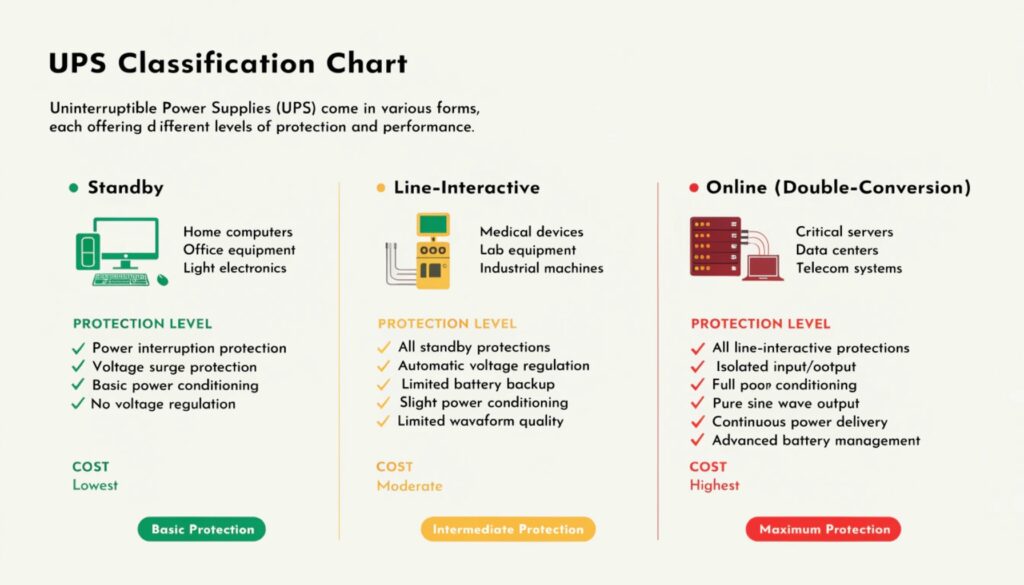
The classification system helps users match protection to their needs:
| Type | Response Time | Voltage Regulation | Best Applications | Efficiency |
|---|---|---|---|---|
| Standby | 2-10ms | None | Home PCs, basic electronics | 95-98% |
| Line-Interactive | <4ms | Automatic | Workstations, medical devices | 90-96% |
| Online | 0ms | Complete | Servers, critical medical equipment | 80-90% |
Medical applications often require line-interactive or online UPS systems because:
- Patient Monitoring Equipment needs continuous power
- Life Support Systems require zero interruption
- Diagnostic Machines need pure power quality
- Electronic Health Records must remain accessible
The classification system helps medical facilities select appropriate protection levels for different areas - from administrative computers to operating room equipment.
Conclusion
UPS systems play an increasingly vital role across industries, especially in healthcare where power reliability is critical. Understanding their power sources, components, and classifications helps select the right protection level for specific needs.