
The power flickers and your computer reboots, losing your work. You worry about damaging expensive electronics during outages and need a reliable solution for your home office.
The best way is to use a quality line-interactive or online UPS for your most critical devices like your PC and modem. This provides not only battery runtime during a blackout but also crucial power conditioning to protect your gear from daily electrical noise.
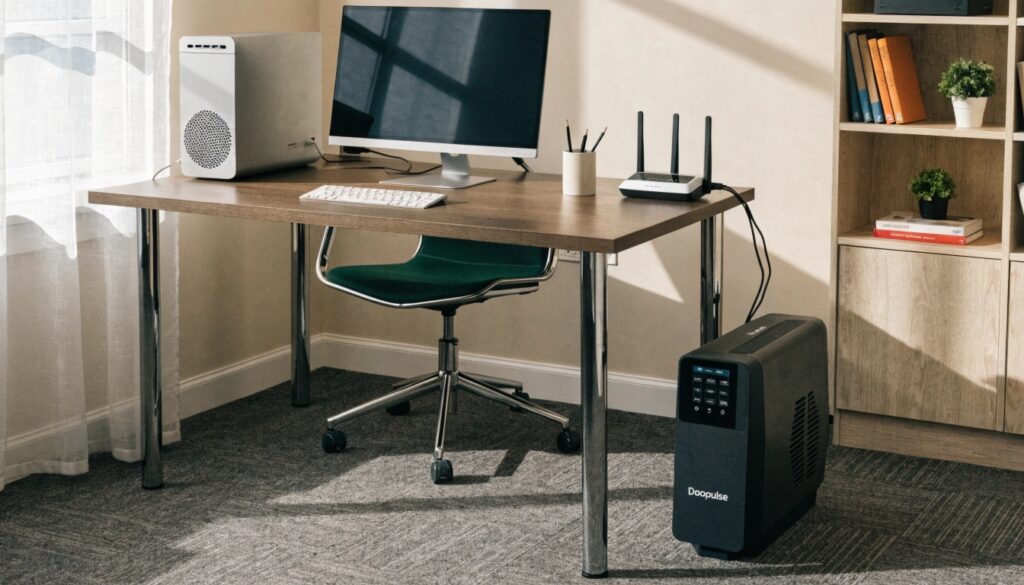
As someone who designs industrial-grade power systems for hospitals and data centers, I get this question a lot from friends and family. The core principles of power protection are the same, whether you're safeguarding a billion-dollar server farm or your home office. It's about more than just keeping the lights on; it's about creating a safe, stable power environment for the electronics that run your life. Let's break down how to do it right.
How do you know if a UPS battery is dead?
Your UPS sits silently in the corner, but is it actually ready for the next outage? A dead battery means it's just a heavy power strip, offering zero protection when you need it most.
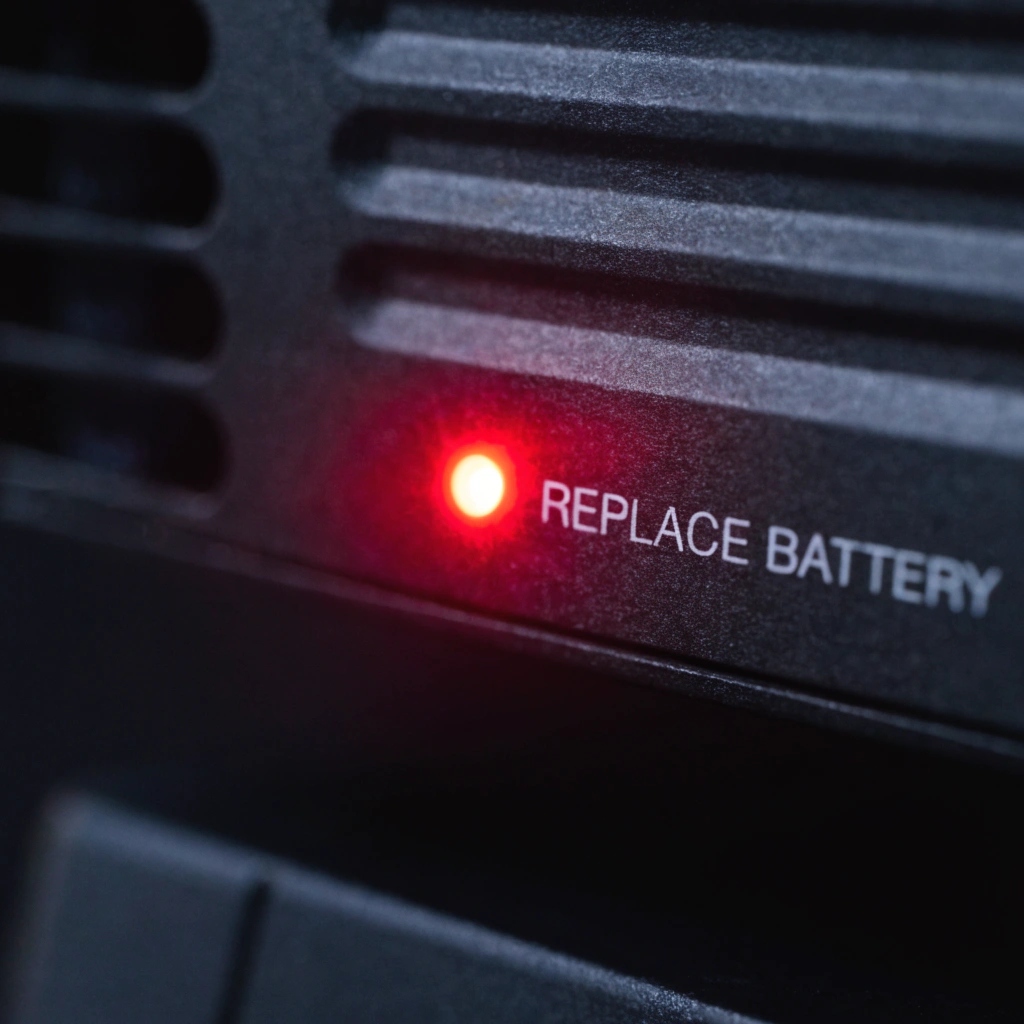
Your UPS will tell you its battery is dead through a "replace battery" indicator light or a constant, chirping alarm. A key symptom is also extremely short runtime—surviving only seconds—when you test it or when the power blinks.
Reading the Signs
In the large-scale systems we build, advanced monitoring software constantly tracks battery health. For a home unit, you need to be a bit more hands-on. Most UPS units have a self-test button. I recommend pressing this every six months. The UPS will briefly switch to battery power to check its readiness. If the UPS immediately shuts off or starts beeping about a low battery, you know it's time for a replacement.
The average lead-acid battery in a home UPS has a service life of about 3 to 5 years. This life can be shorter if you live in an area with frequent outages or high temperatures. Don't wait for it to fail during a critical moment. If your UPS is over three years old, start budgeting for a new battery. Think of it like the tires on your car; it's a consumable part that is essential for your safety and performance. When the "replace battery" light comes on, it's not a suggestion, it's a critical alert.
| Sign | What it Means | Action to Take |
|---|---|---|
| "Replace Battery" Light | The battery has failed a self-test and cannot hold a charge. | Order and install a replacement battery. |
| Constant Beeping/Alarm | A critical fault, often a dead or disconnected battery. | Check battery connections; likely needs replacement. |
| Fails Self-Test | The battery lacks the capacity to support the load. | Replace the battery immediately. |
| Unit is 5+ Years Old | The battery is living on borrowed time, regardless of signs. | Proactively replace the battery to avoid failure. |
What is a UPS battery backup?
You have heard the term "UPS battery backup," but what does it really do? Many people think it's just a simple power bank, but that misses half of its critical job.
A UPS is a two-in-one protection device. Its battery provides instant backup power during an outage, but just as importantly, it acts as a filter, constantly "conditioning" the dirty power from the grid to protect your sensitive electronics from damage.

More Than Just a Battery
Think of the power from your wall outlet like water from a muddy river. It's full of invisible surges, sags, and electrical noise. Plugging your expensive computer directly into the wall is like drinking that muddy water. A UPS is both a reservoir and a water purification plant.
First, there's the battery backup function (the reservoir). When the river runs dry (a blackout), the UPS seamlessly switches to its internal battery, giving you time to save your work and shut down gracefully. This is the feature everyone knows.
But the more important, everyday function is power conditioning (the purification plant). Every day, the UPS filters the incoming electrical power. It absorbs harmful surges and boosts voltage during sags, feeding your devices a pure, stable stream of energy. This constant protection prevents cumulative damage and is why devices plugged into a UPS often have a longer lifespan. In the enterprise world, we would never dream of connecting a server directly to the grid. You shouldn't do it with your expensive home equipment either.
How to stop a UPS from beeping?
The power is out, the house is dark, and the incessant, high-pitched beeping from your UPS is the last thing you need. You just want the noise to stop.
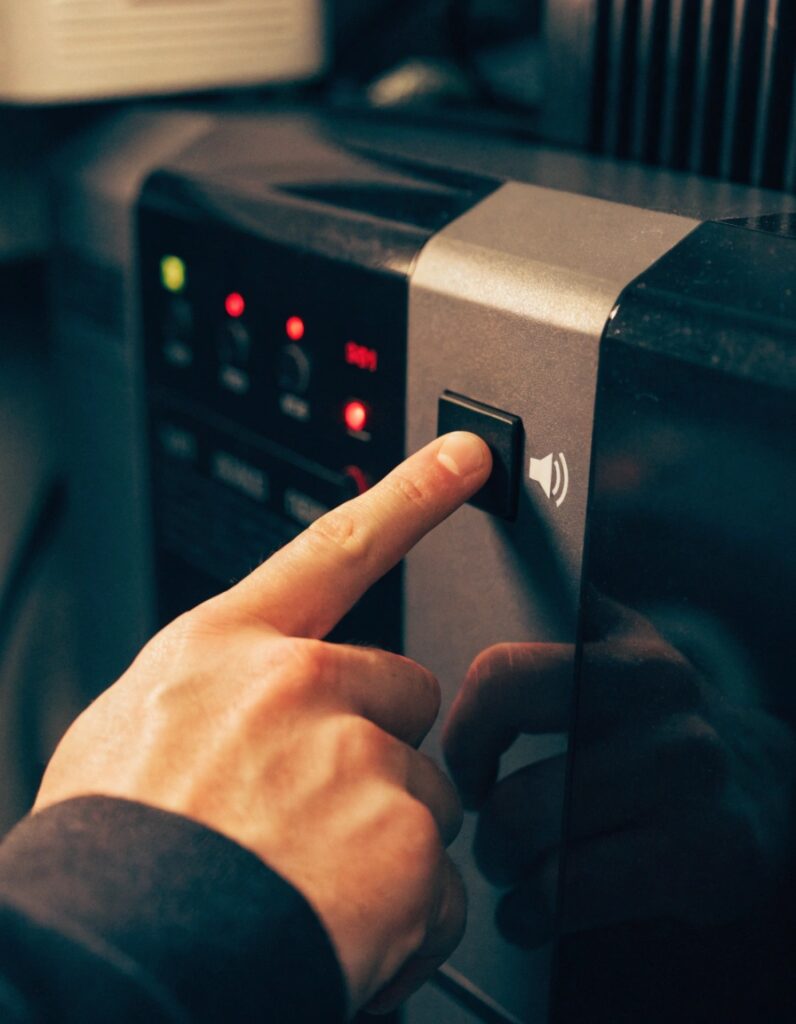
You can usually silence the standard "on battery" alarm by briefly pressing a button on the front, often marked with a mute symbol. However, if the beeping is fast or constant, it's a critical alert for low battery or a fault, and you should not ignore it.
Understanding the Language of Beeps
That beeping sound is the only way your UPS can talk to you, and it's important to understand what it's saying. From my experience designing these systems, a UPS is always on and working, so it should be relatively quiet, with just a faint hum. An audible alarm means it needs your attention. There are generally three types of beeps.
First, there's the slow, spaced-out beep (e.g., beep... pause... beep). This is the normal "I'm on battery power" alarm. It's annoying by design so you know the power is out. Most units have a button to mute this specific alarm.
Second is a rapid, frantic beeping. This is the "My battery is almost dead!" warning. You cannot and should not mute this. It's telling you to save your work and shut down your equipment immediately because power is about to be cut completely.
Third is a solid, continuous tone or a long, repeating pattern. This is the most serious alarm. It indicates a critical fault, like an overload (you've plugged too much stuff in) or an internal failure. If you hear this, you need to investigate the problem right away.
| Beep Pattern | Meaning | Can I Mute It? |
|---|---|---|
| Slow, repeating | On battery power, normal operation | Yes, usually. |
| Rapid, repeating | Low battery, shutdown imminent | No, this is a critical warning. |
| Constant tone | Overload or system fault | No, this is an error alert. |
Can you run a UPS off a generator?
A big storm is coming. You have a generator for long outages, but you've heard its "dirty" power can be even worse for your electronics than a blackout.
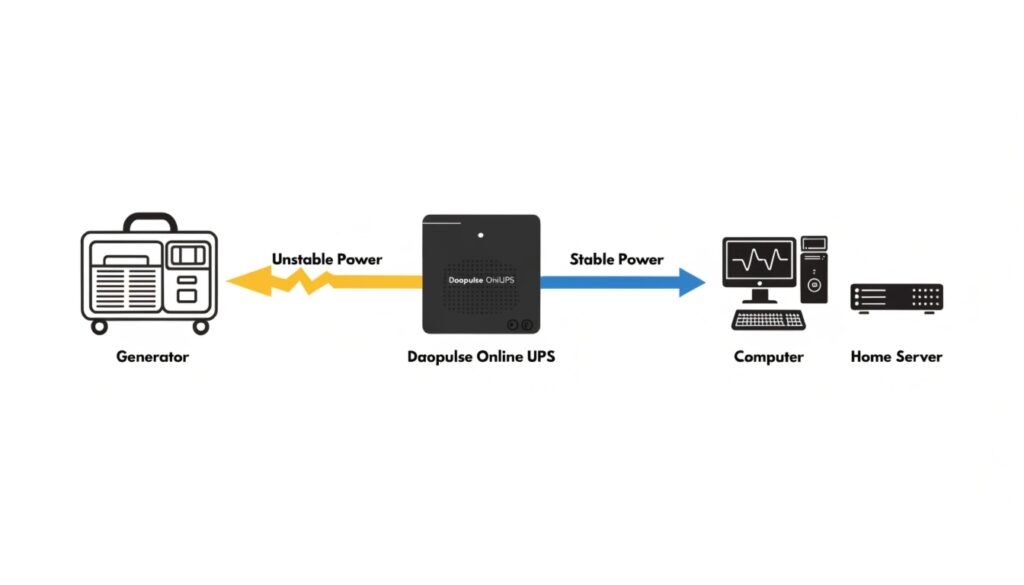
Yes, you can, but it is critical to use an online double-conversion UPS as the bridge. It will take the generator's unstable output, completely rebuild it, and deliver perfect, clean power to your sensitive electronics, protecting them from damage.
Creating a Perfect Power Buffer
This is a scenario we solve for industrial clients all the time, and the logic is identical for a home setup. A portable generator does not produce the clean, stable power your electronics expect. Its voltage and frequency can fluctuate wildly, which can seriously damage computers, TVs, and network equipment.
If you plug a basic, cheap UPS into a generator, it will likely just click on and off, unable to handle the unstable input. Your equipment will constantly lose and regain power.
The proper solution is to use an online double-conversion UPS. As we discussed, this type of UPS constantly rebuilds the incoming power. It takes the generator's messy output, converts it to clean DC power, and then creates a brand new, perfect AC sine wave. It acts as the ultimate buffer. The generator powers the UPS, and the UPS powers your equipment. This setup gives you the long runtime of a generator with the absolute safety and stability that only an online UPS can provide. It's the professional-grade solution for bulletproof home backup power.
Conclusion
The best way to use a UPS at home is to choose a quality unit, understand its alerts, maintain its battery, and use it to protect your critical and sensitive electronics.